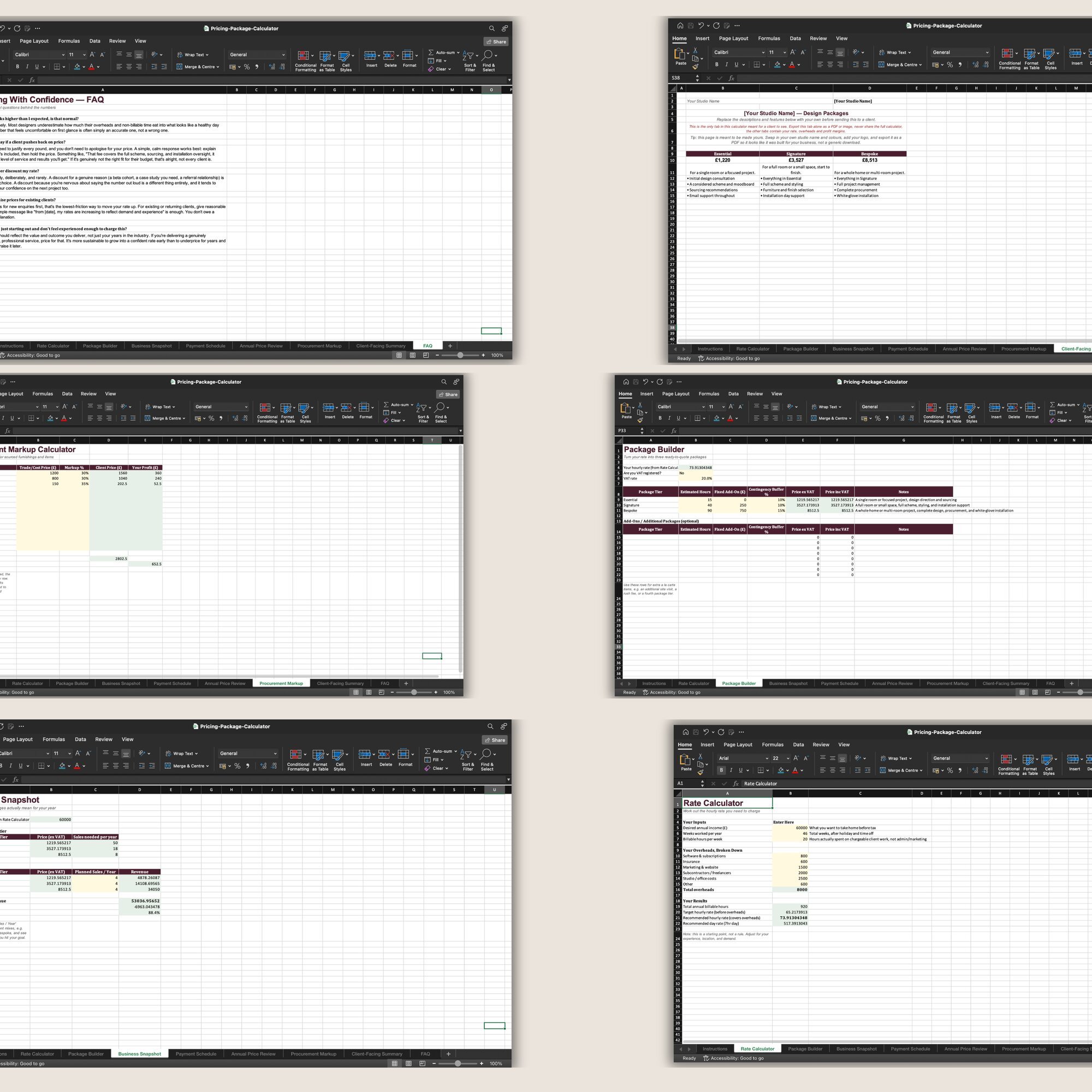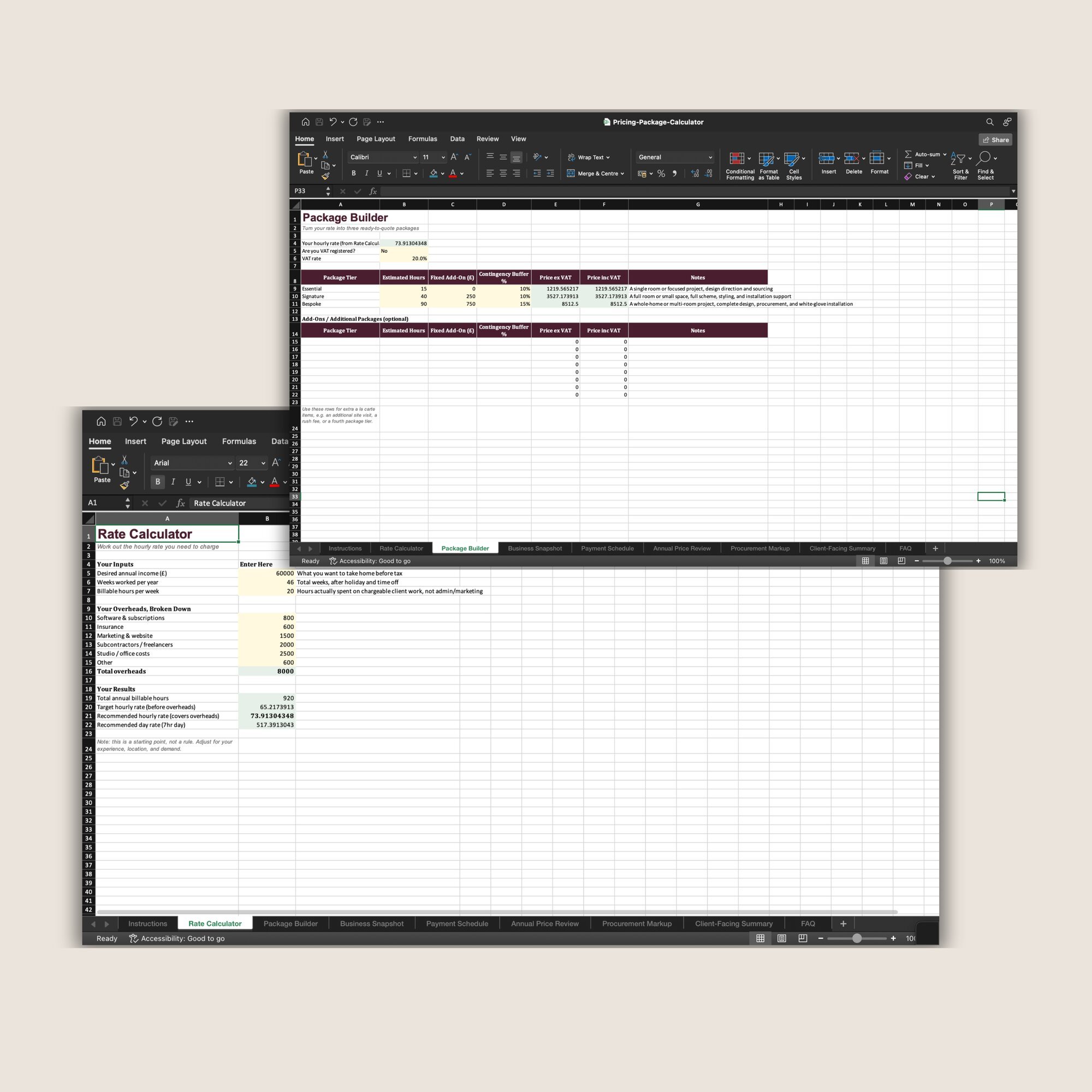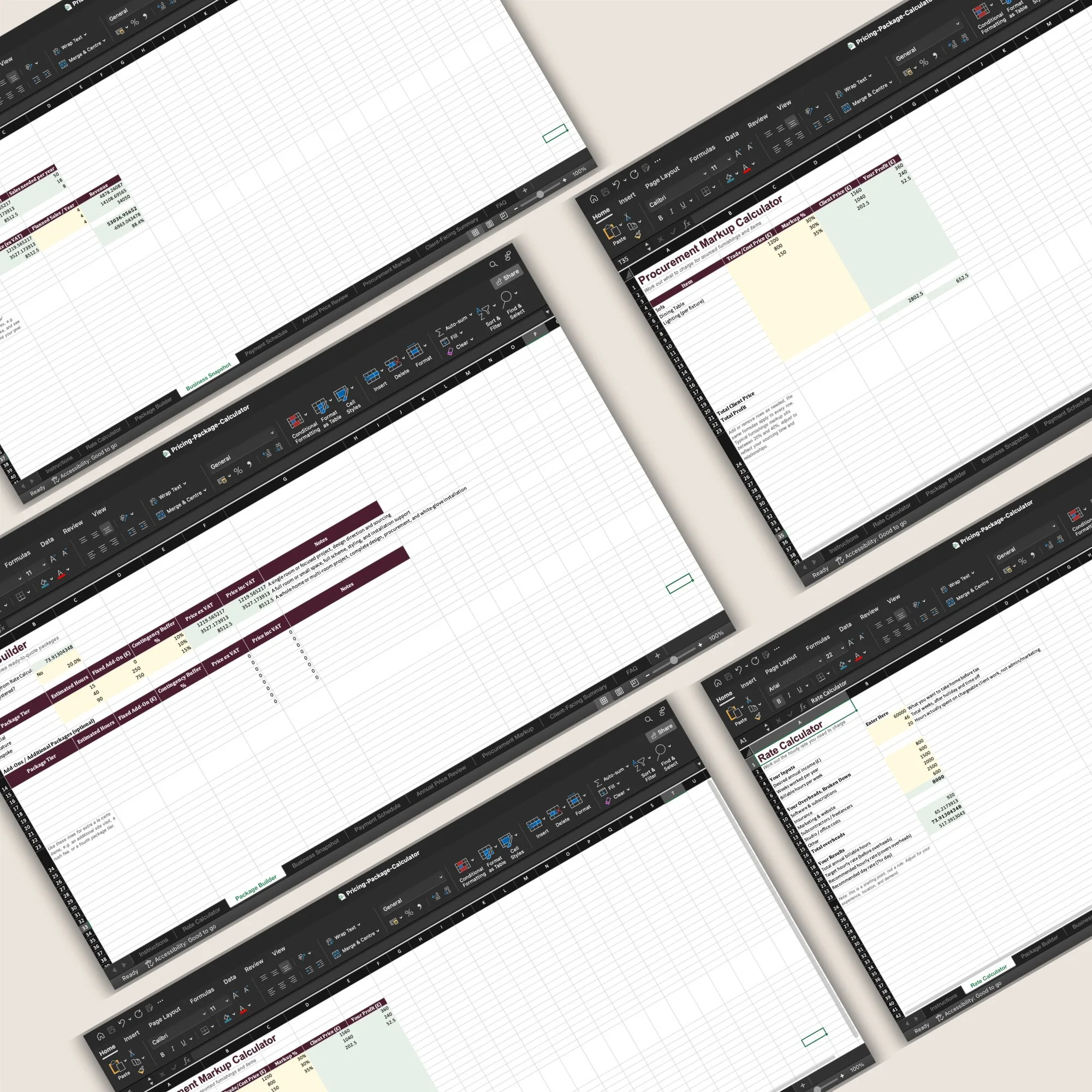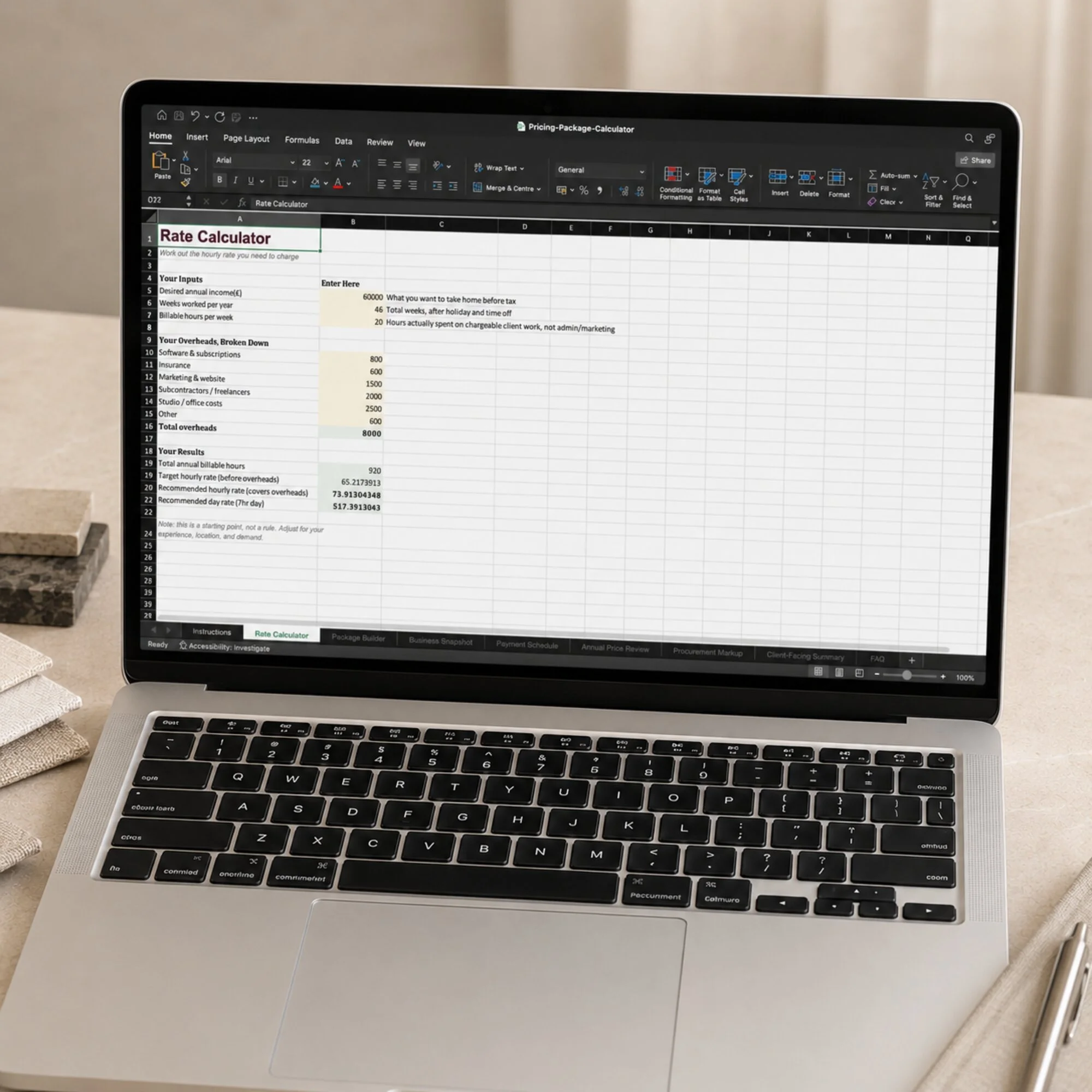
 Image 1 of 7
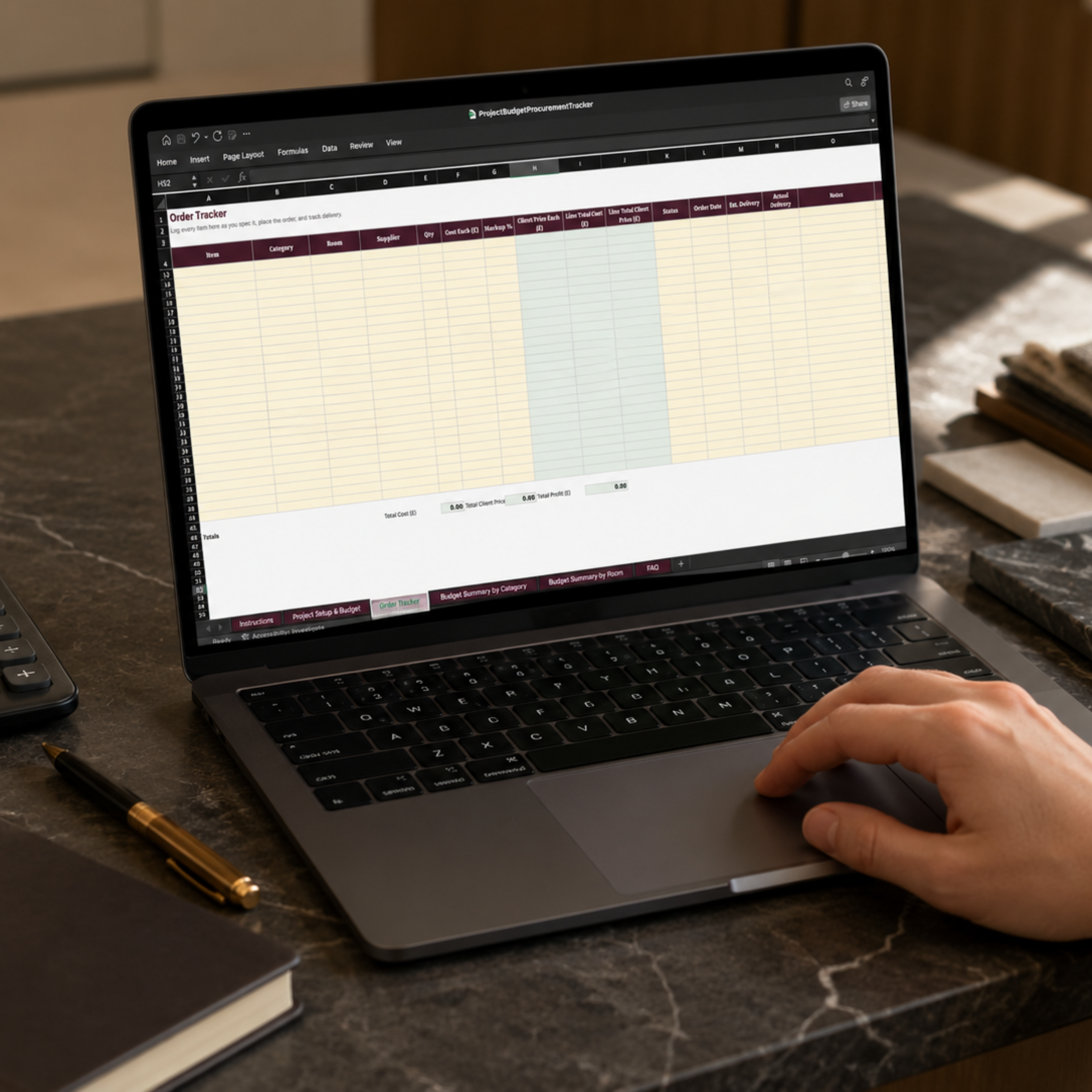 Image 2 of 7
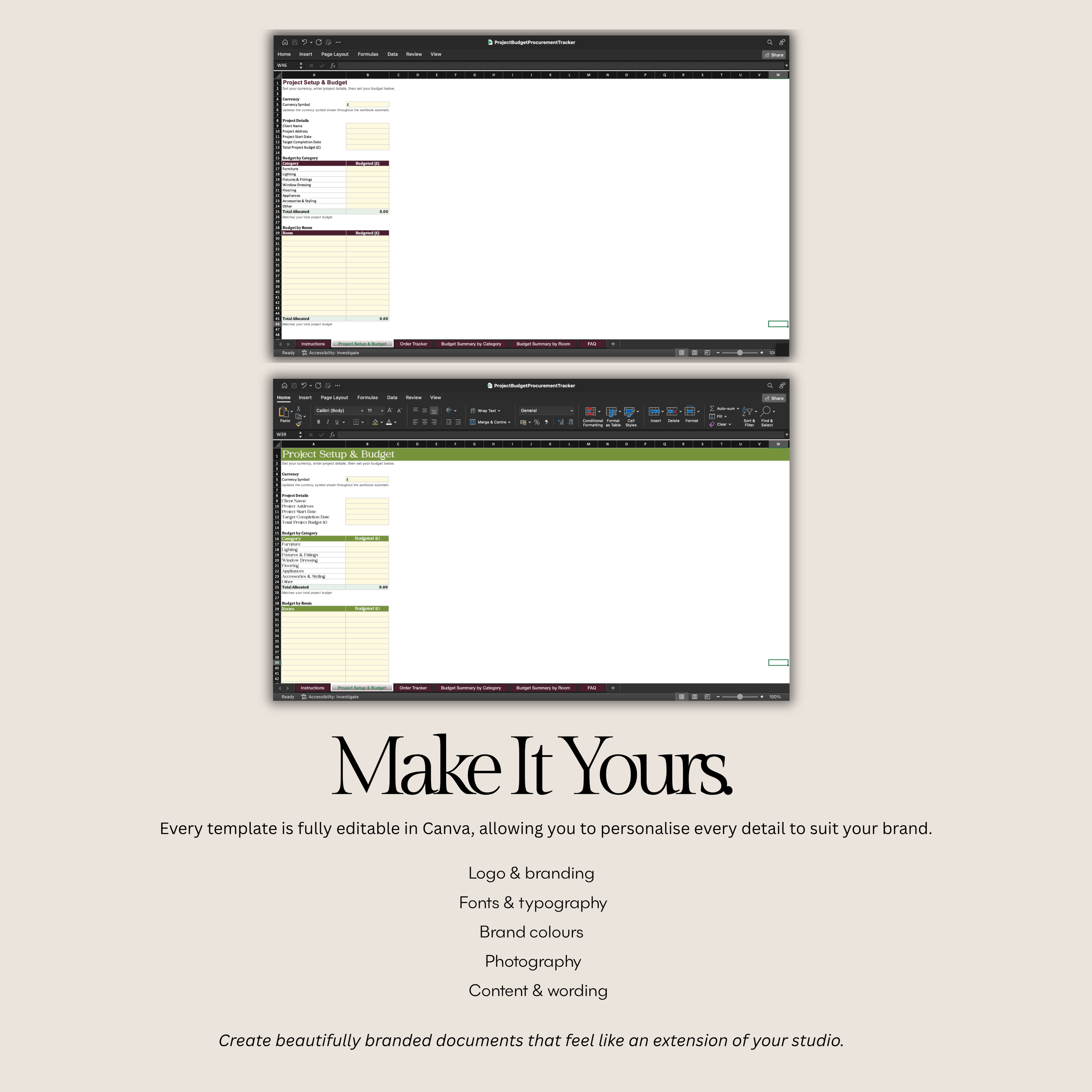 Image 3 of 7
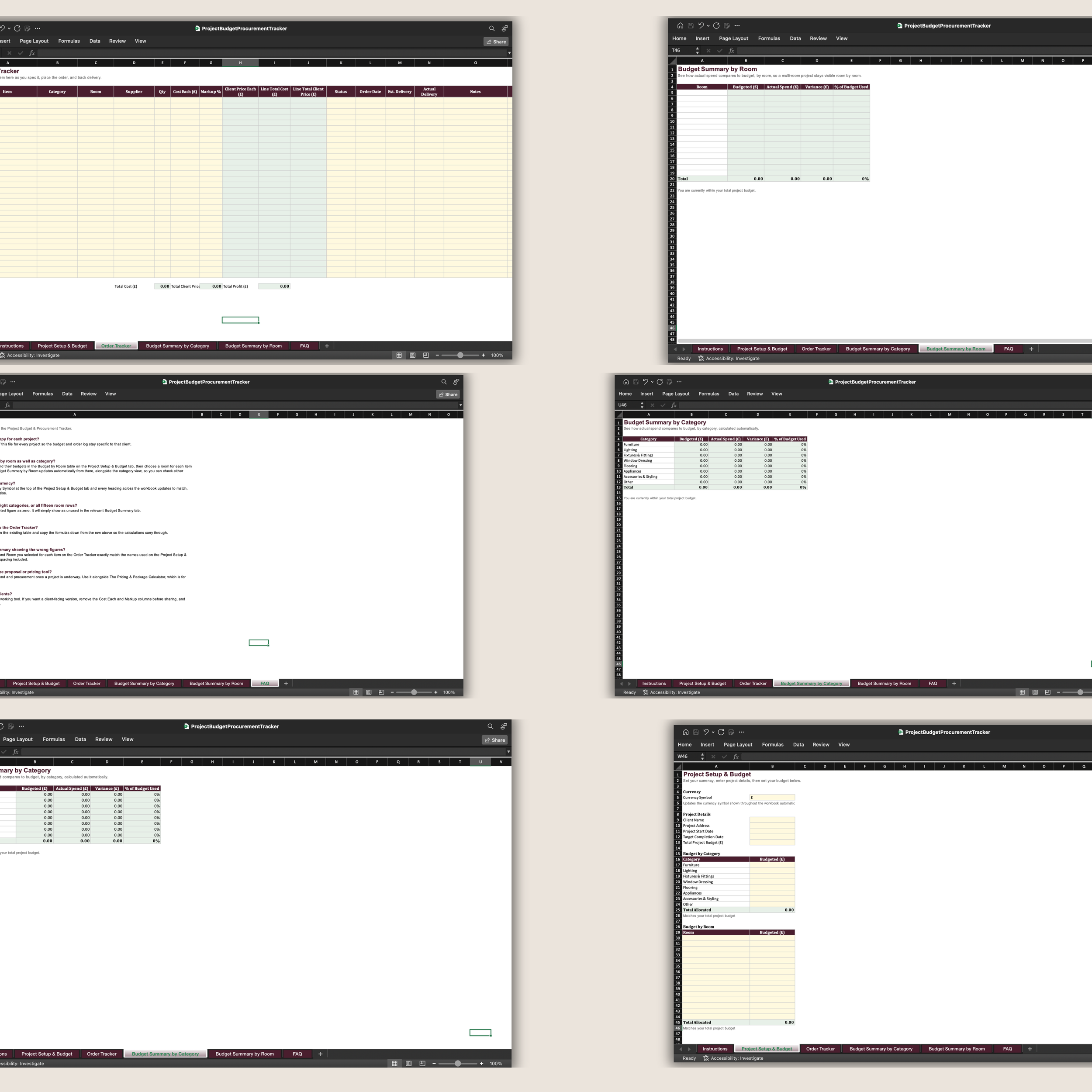 Image 4 of 7
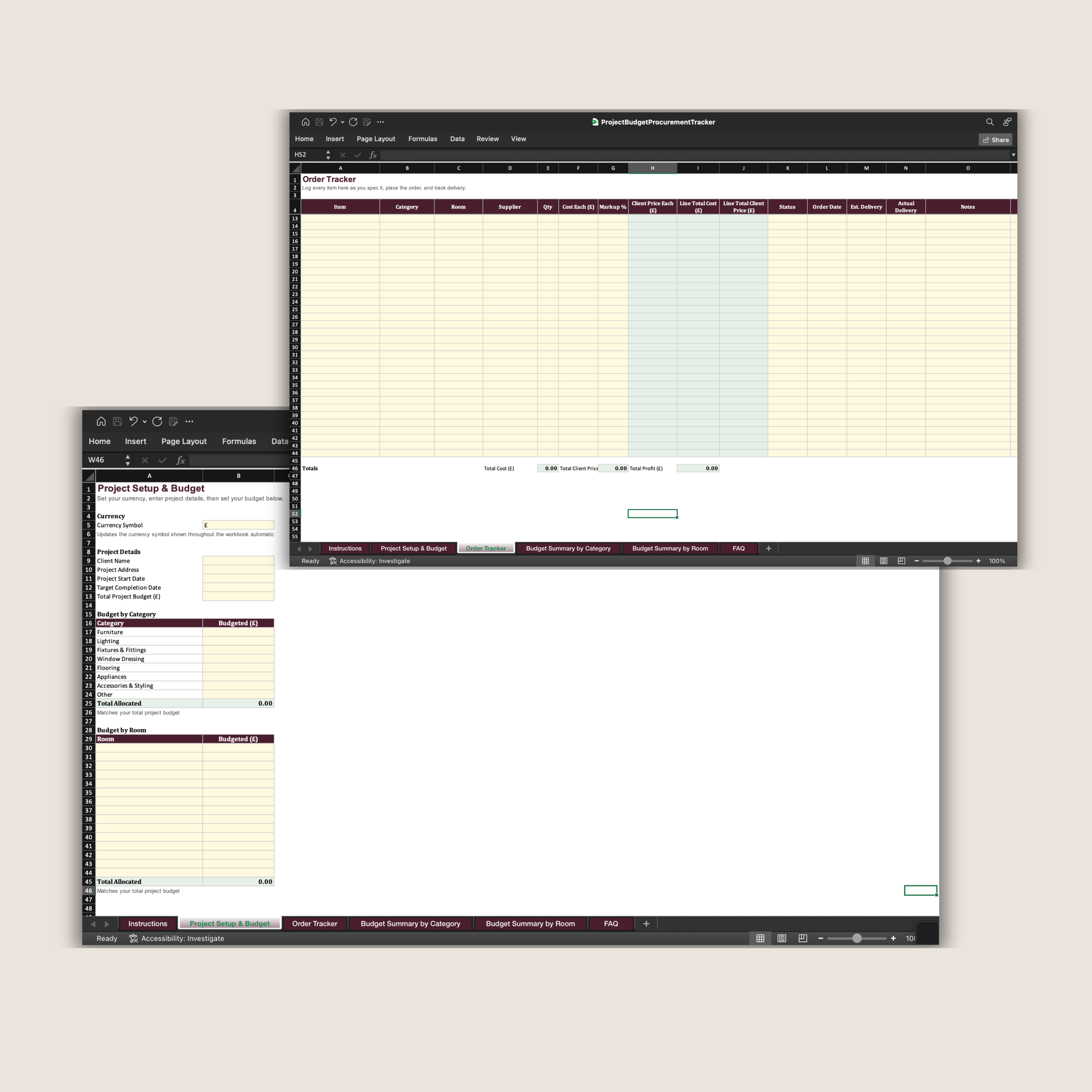 Image 5 of 7
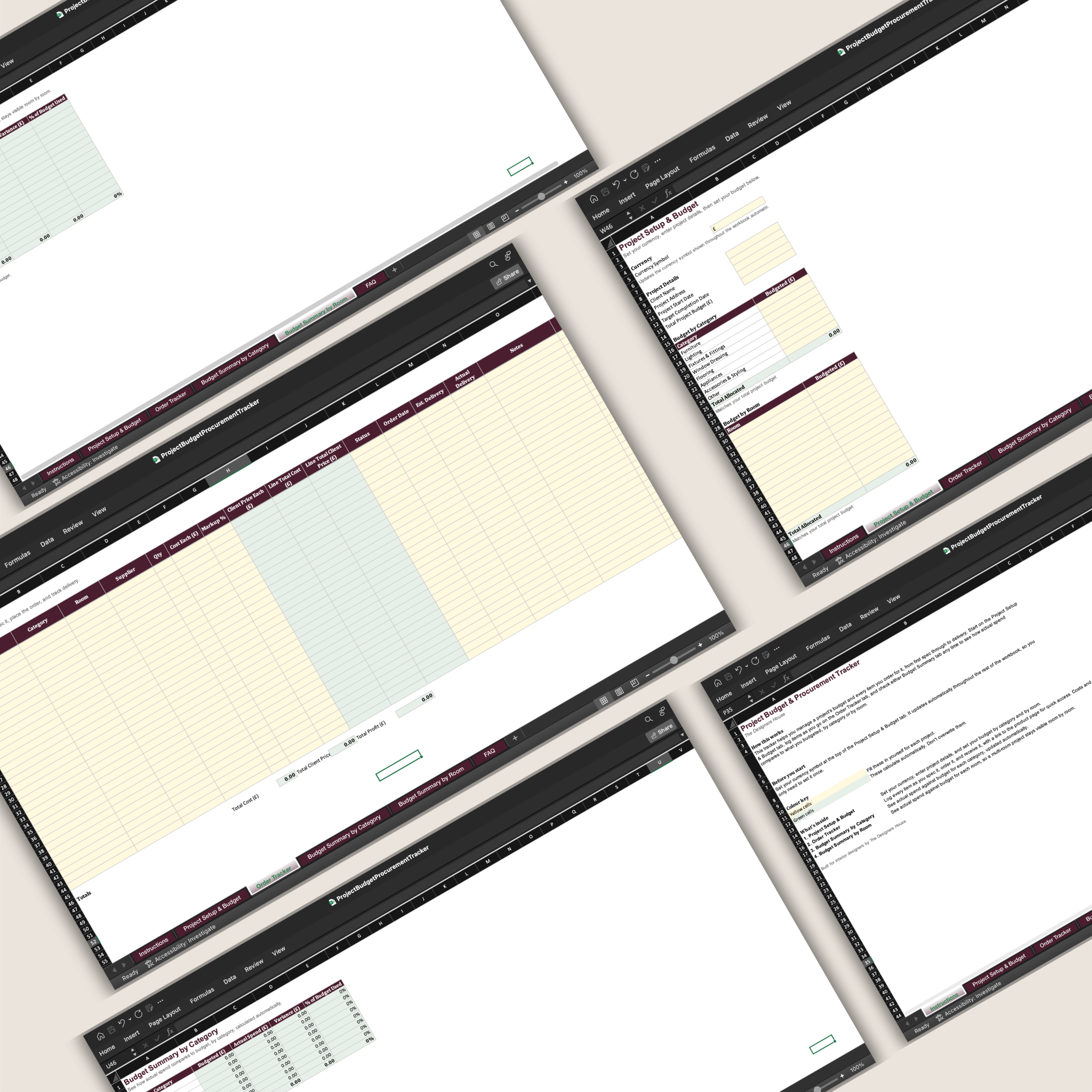 Image 6 of 7
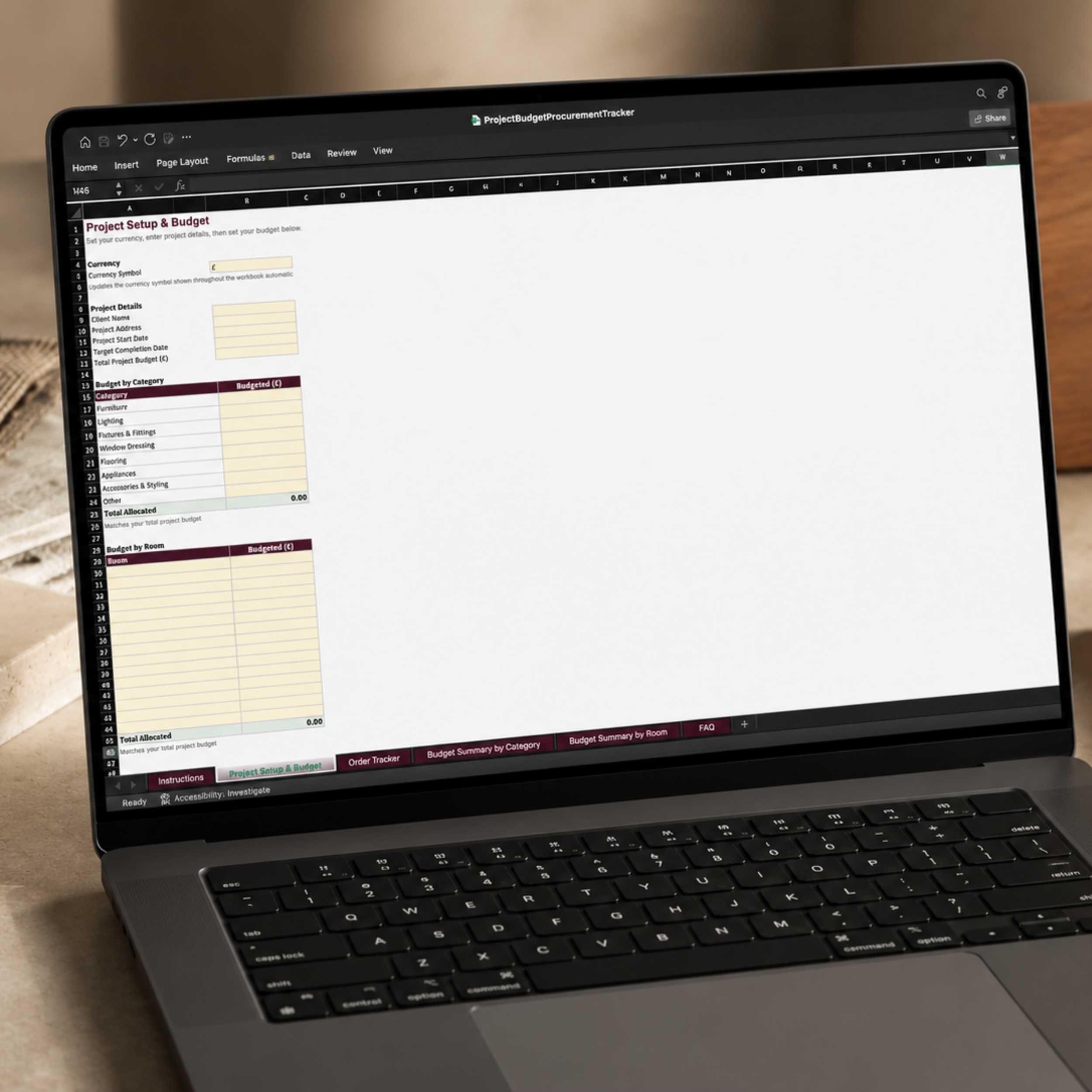 Image 7 of 7
Before You Purchase
-
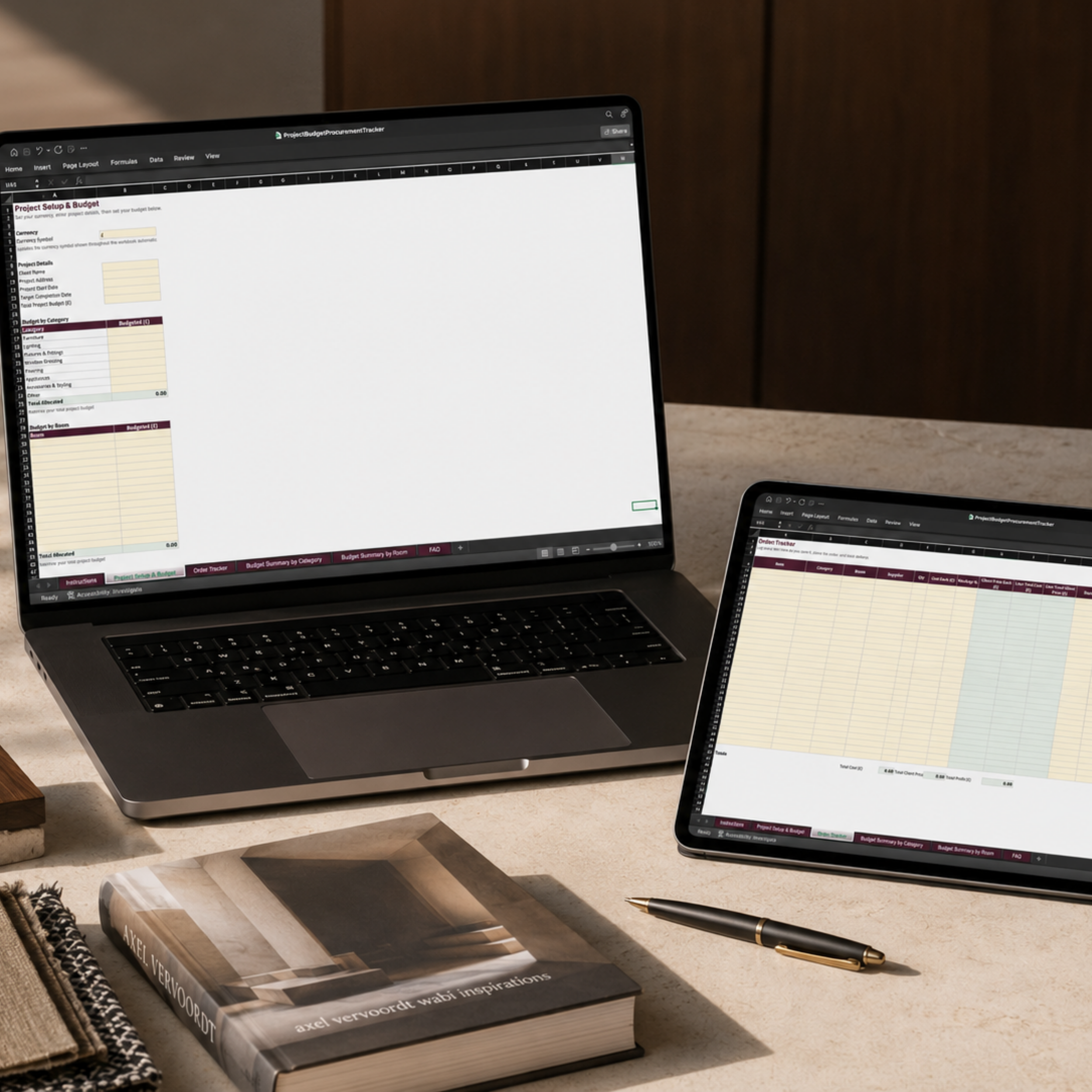
The workbook contains six connected tabs:
Instructions — A clear introduction to the workbook, the recommended order for completing it and the colour-coded system used throughout.
Project Setup & Budget — Set your preferred currency, enter the client and project details and record the total project budget. Allocate the budget across eight procurement categories and up to 15 individual rooms, with automatic checks confirming whether the allocated amounts match the overall budget.
Order Tracker — Record each item as it is specified, ordered and delivered. Track the item, category, room, supplier, quantity, cost, markup, client price, order status, delivery dates, notes and product link in one place.
Budget Summary by Category — Compare the allocated budget with actual client spend across furniture, lighting, fixtures and fittings, window dressing, flooring, appliances, accessories and other purchases. Variance and percentage of budget used calculate automatically.
Budget Summary by Room — See the same budget information room by room, making it easier to understand where the project budget is being used across a multi-room scheme.
FAQ — Built-in guidance covering separate project copies, currencies, additional order rows, room and category tracking, sharing information with clients and common troubleshooting questions.
-
You will receive:
the complete Project Budget & Procurement Tracker Microsoft Excel workbook;
six organised and connected workbook tabs;
space to allocate budgets across eight procurement categories and up to 15 rooms;
40 ready-to-use rows for recording products, suppliers and orders;
automatic markup, client-price, line-total and procurement-profit calculations;
automatic budget summaries by category and by room;
dropdown selections for categories, rooms and order status;
The Project Budget & Procurement Tracker Guide, explaining how to set up and use the workbook step by step;
guidance on the yellow input cells and green automatic-calculation cells;
advice on keeping supplier costs and markups private, and how to prepare a separate order list when figures need to be shared with a client;
practical guidance on monitoring spend, recording markups, allowing for contingency and keeping procurement information organised throughout the project.
The accompanying guide takes the purchaser from initial project setup and budget allocation through to logging orders and reviewing the automatic category and room summaries. It also explains which information is intended for internal studio use.
This is a digital product. No physical or printed item will be posted.
-
You will need Microsoft Excel and a computer capable of opening an .xlsx workbook.
The tracker uses a simple colour-coded system:
Yellow cells are for you to complete or edit.
Green cells contain automatic calculations and should not be overwritten.You can personalise:
• the currency symbol used throughout the workbook;
• the client name, address and project dates;
• the overall project budget;
• budget allocations by category;
• room names and individual room budgets;
• product, supplier and order information;
• markup percentages;
• order statuses and delivery dates;
• notes and direct product links.The currency only needs to be entered once and will update automatically throughout the connected workbook.
The procurement-profit total reflects the difference between the supplier cost and client price recorded in the tracker. Any delivery charges, taxes or additional costs should be included within the appropriate cost figures when you want them reflected in the calculation.
Avoid overwriting cells containing formulas, as this may prevent parts of the tracker and budget summaries from updating correctly.
For the most reliable formatting, dropdown menus and formula performance, use Microsoft Excel. Compatibility with other spreadsheet applications cannot be guaranteed.
-
After completing your purchase, you will receive a secure link to download the Excel workbook.
Save the original file somewhere secure and create a fresh duplicate for each client project. This keeps every project budget, order record and procurement summary separate.
Begin with the Project Setup & Budget tab:
Set your currency.
Enter the client and project details.
Record the total project budget.
Allocate the budget by category and room.
As products are specified and ordered, add them to the Order Tracker. Select the correct category and room for each item so that the connected budget summaries update accurately.
Return to the Budget Summary by Category and Budget Summary by Room tabs throughout the project to review actual client spend, remaining budget and the percentage of each allocation used.
This is designed primarily as an internal studio-management tool. The supplier costs, markups and profit information should not be shared with clients unless you intentionally prepare a separate client-facing version.
-
Your purchase includes a licence to use The Project Budget & Procurement Tracker within your own interior design business.
You may create and use separate workbook copies for your own client projects. However, the original workbook, formulas and contents must not be:
• resold or redistributed;
• shared with another designer, studio or business;
• uploaded to a shared resource or template library;
• copied to create a competing spreadsheet or digital product;
• altered and sold as your own original tracker;
• supplied to clients or other businesses as an editable commercial template.Each designer or business using the tracker must purchase their own licence.
-
Please review the product description, images and Microsoft Excel requirements carefully before purchasing.
As this is a digital product, full information about access, cancellations and refunds is set out in The Designers House Digital Product Terms and Refund Policy.
This tracker is a project-planning and organisation tool. It does not replace professional accounting, bookkeeping, tax or financial advice.