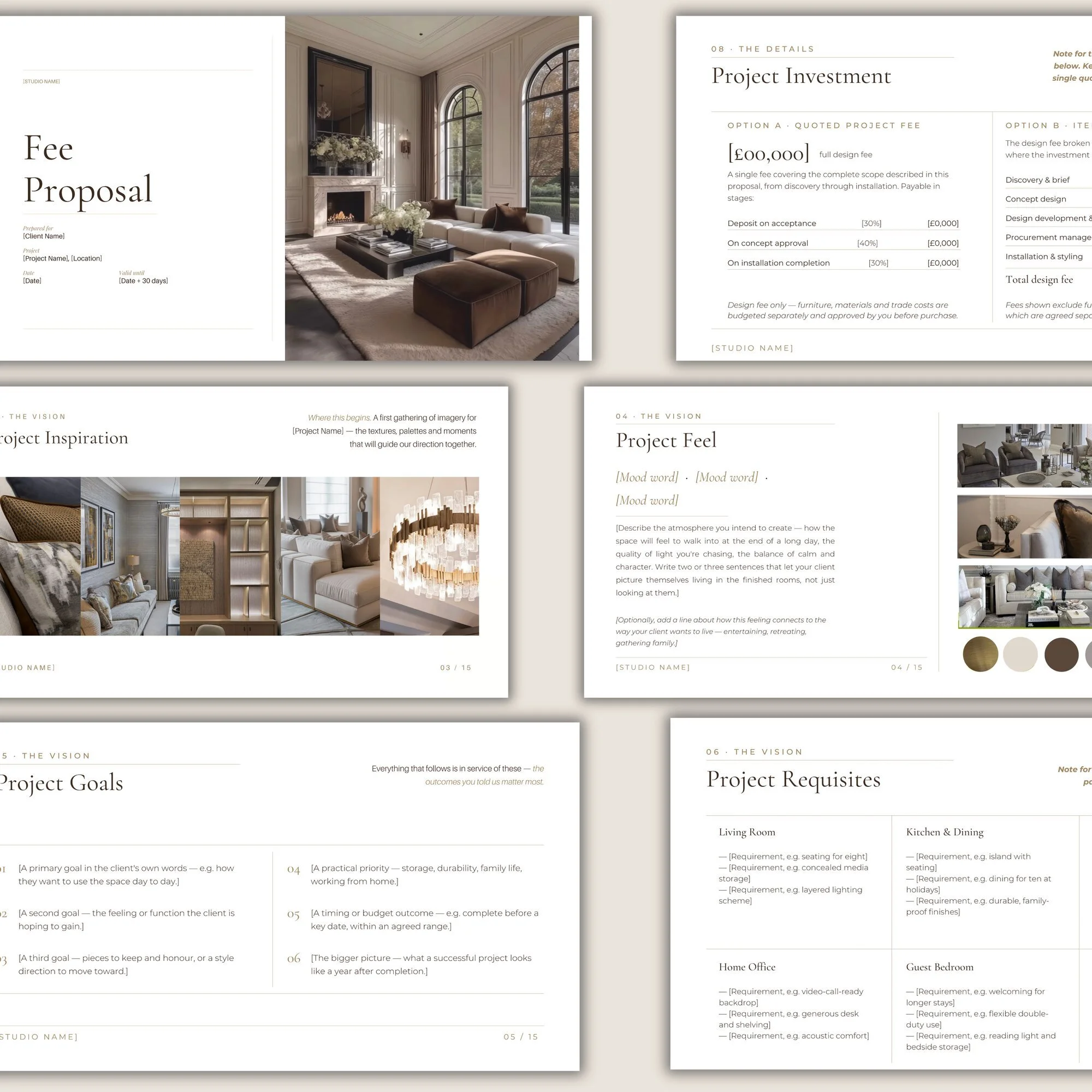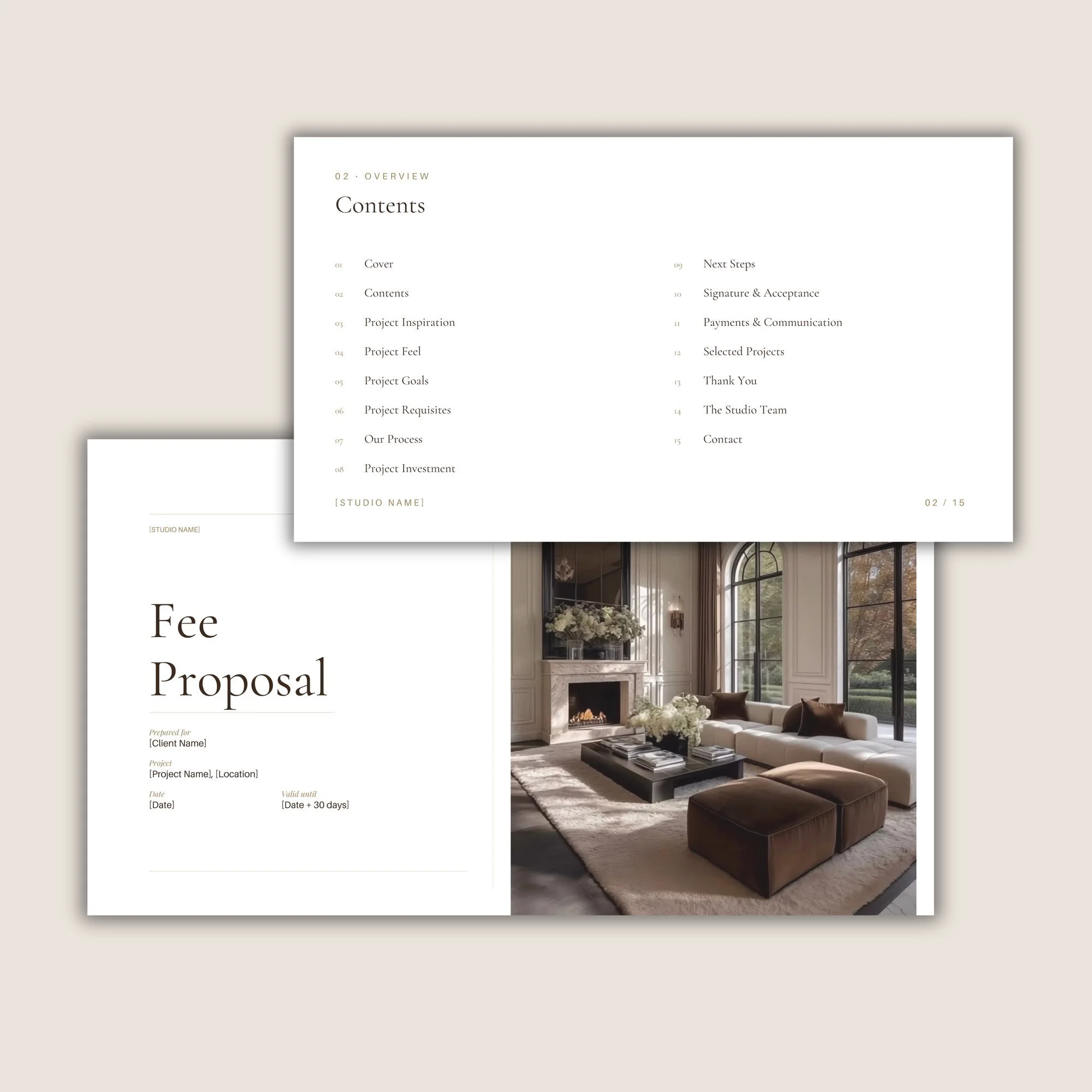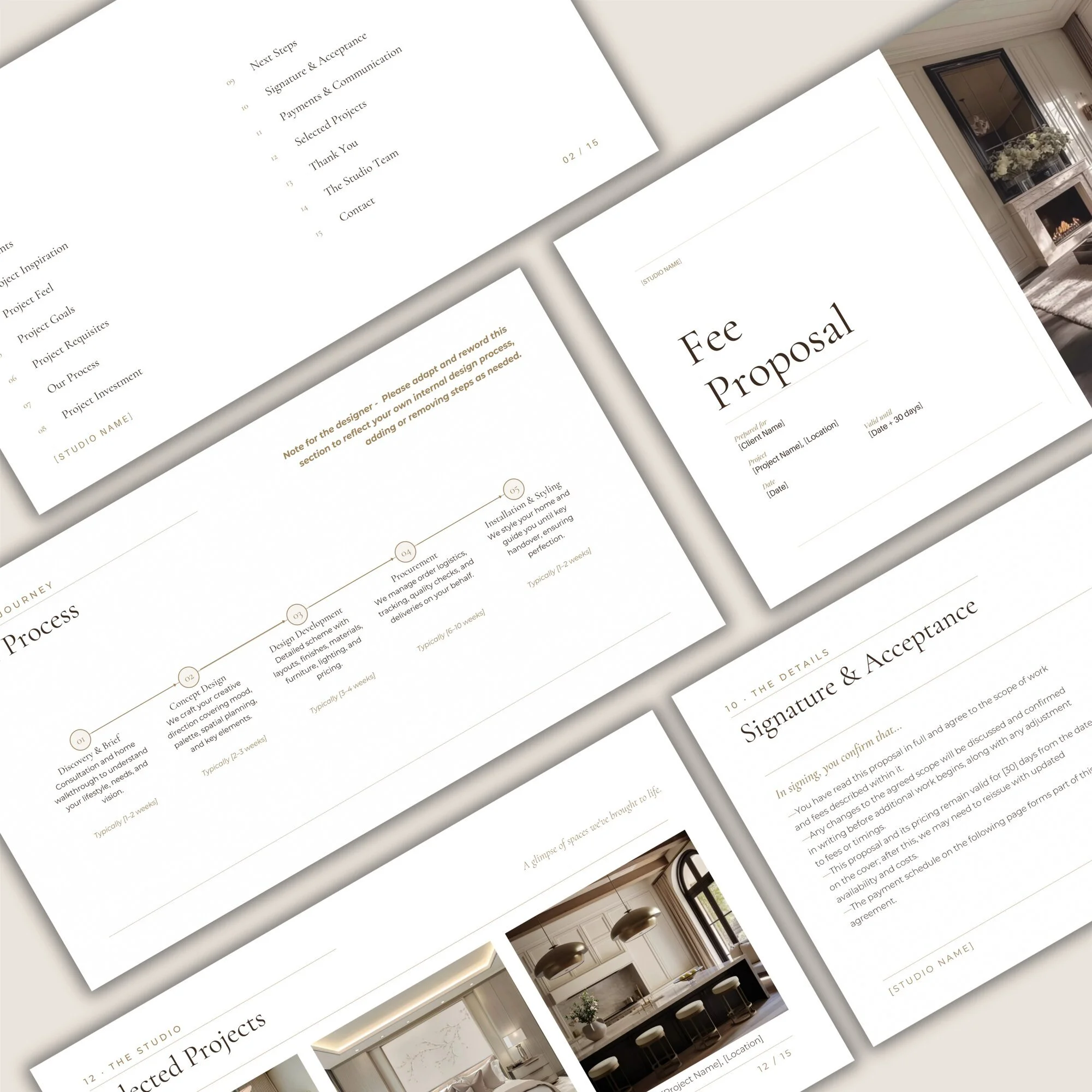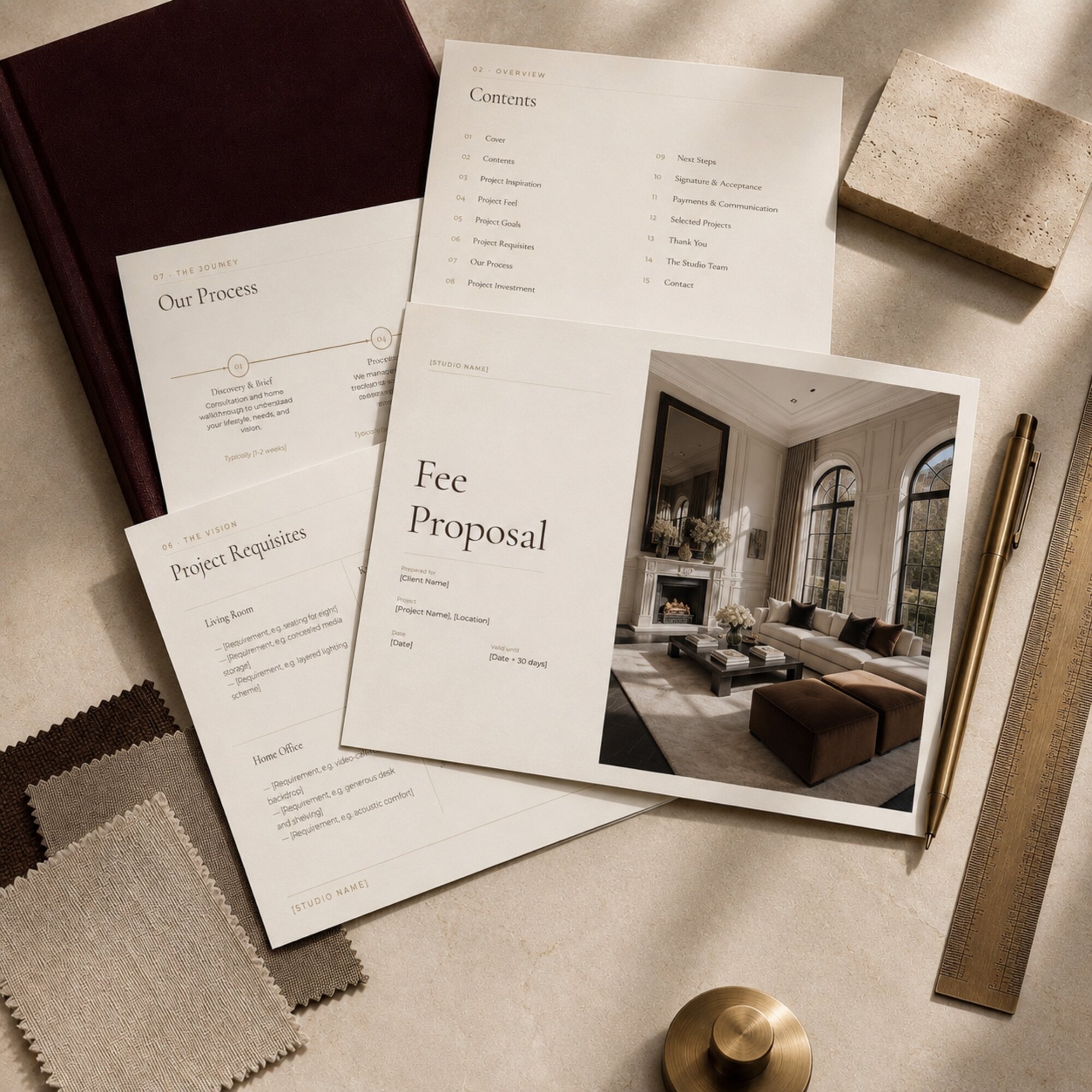
 Image 1 of 7
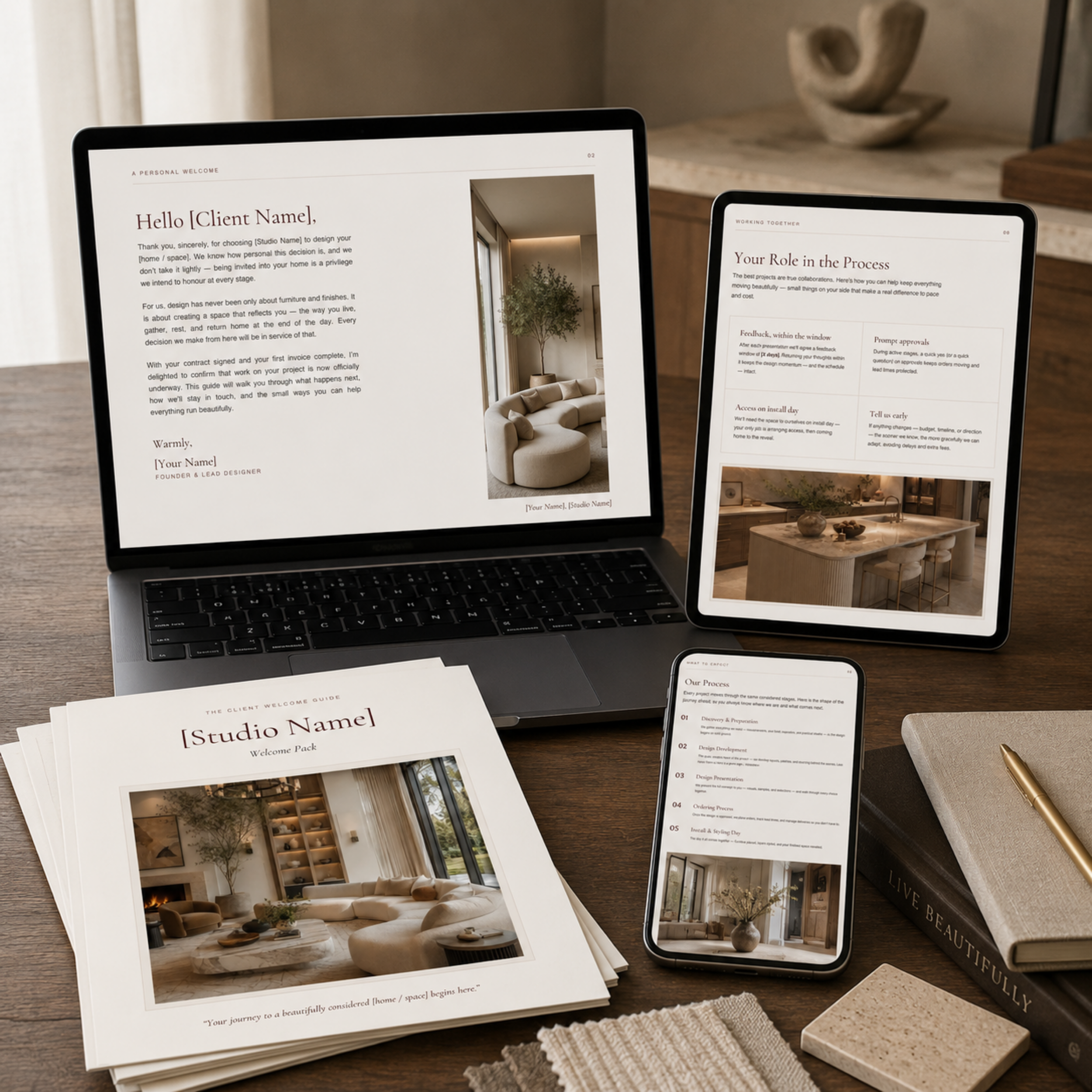 Image 2 of 7
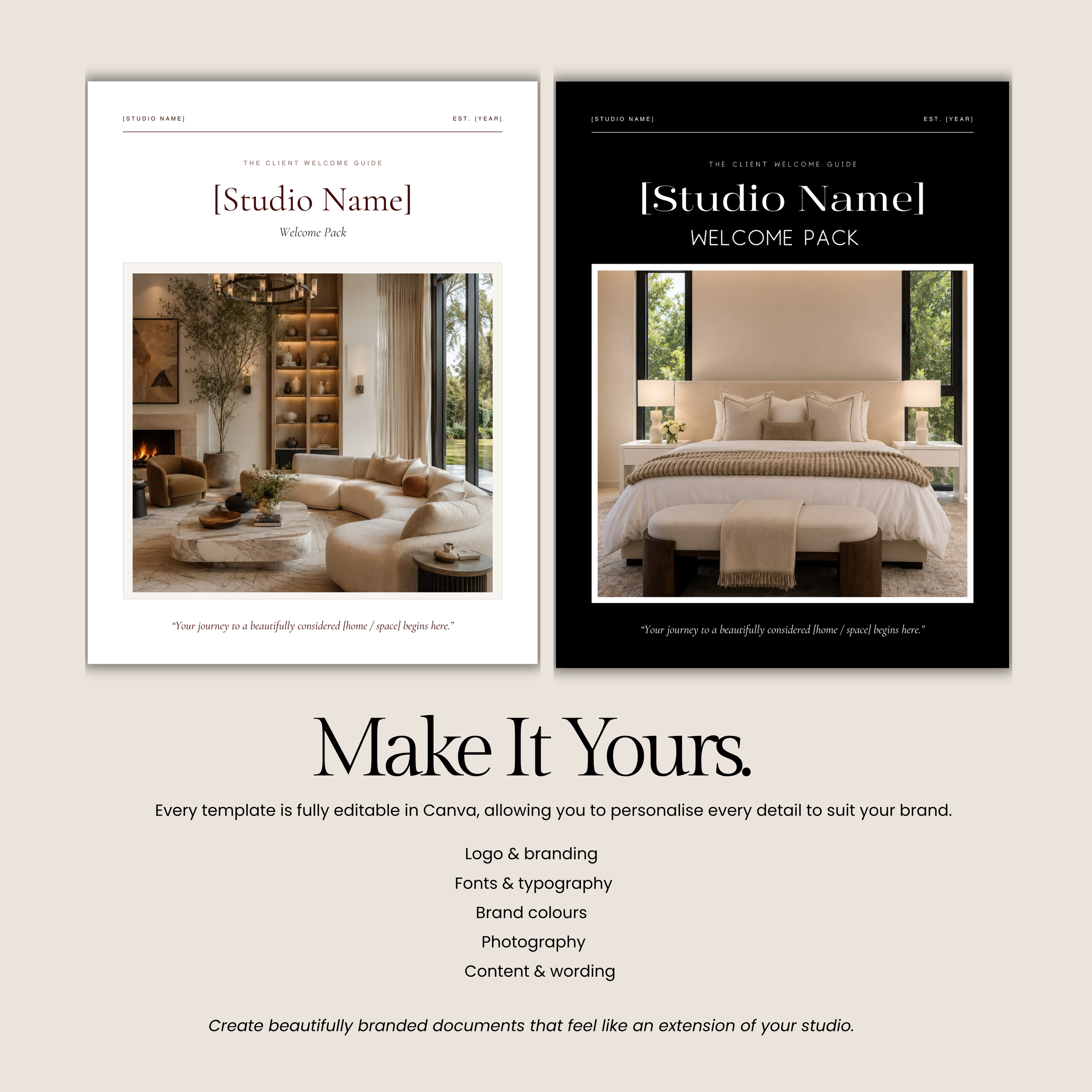 Image 3 of 7
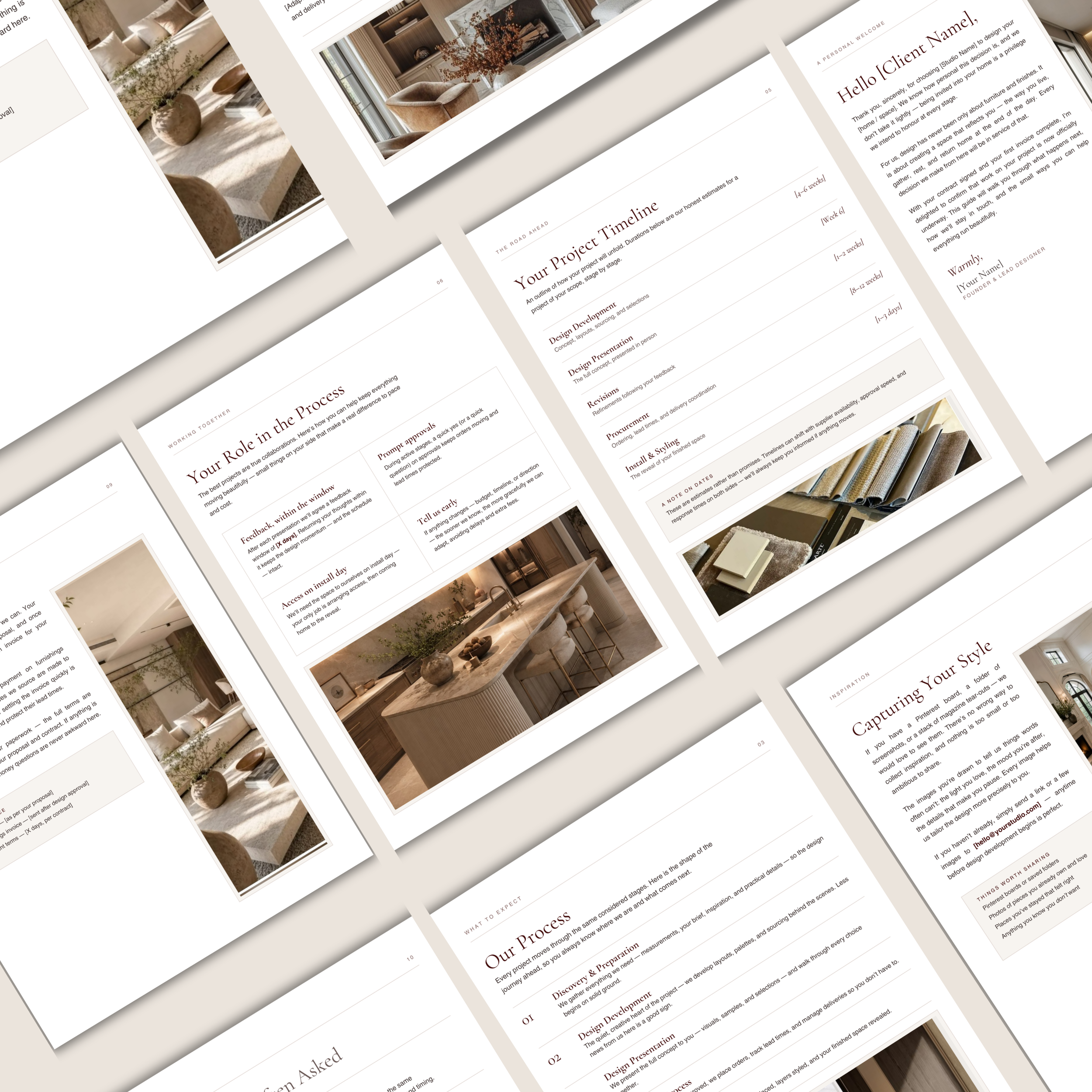 Image 4 of 7
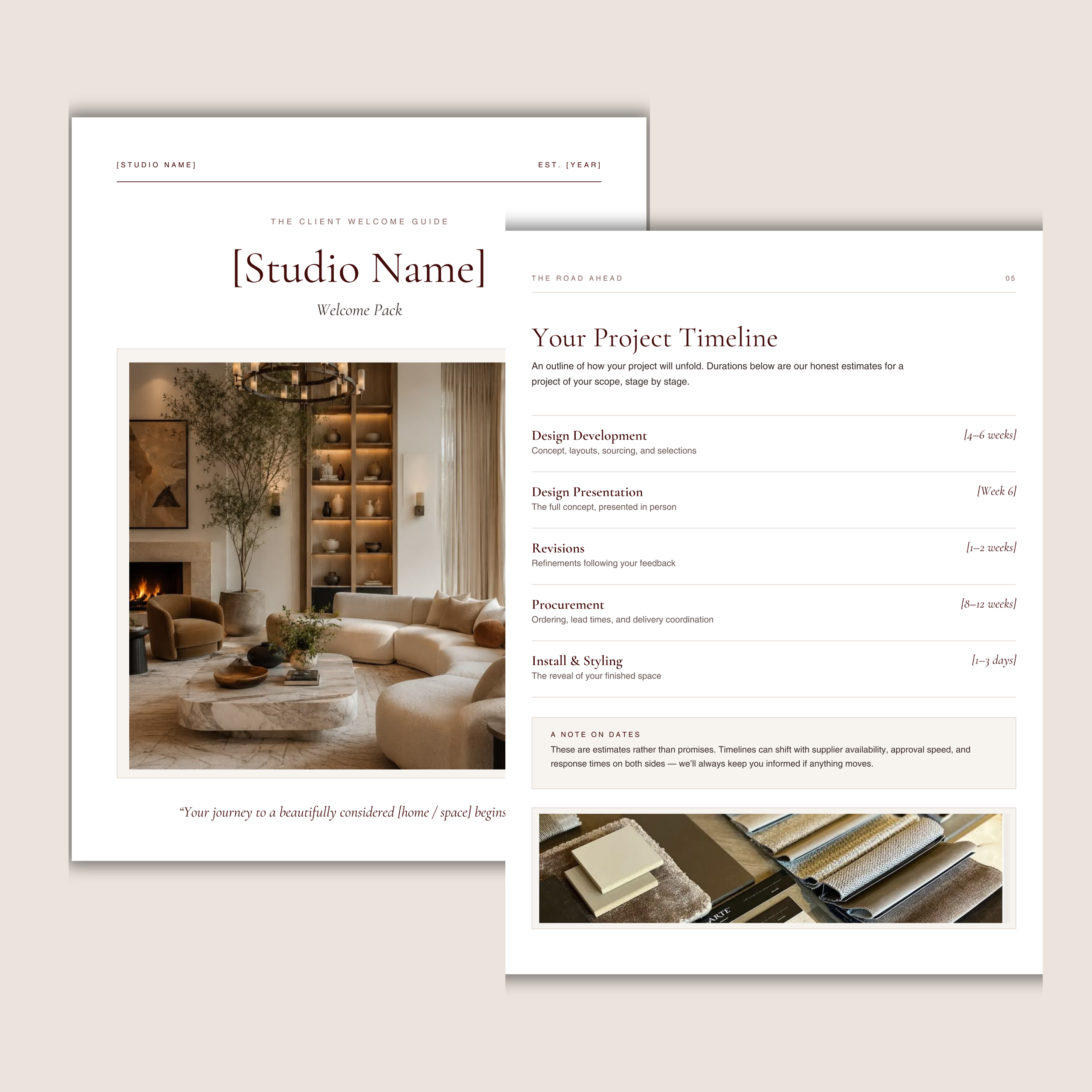 Image 5 of 7
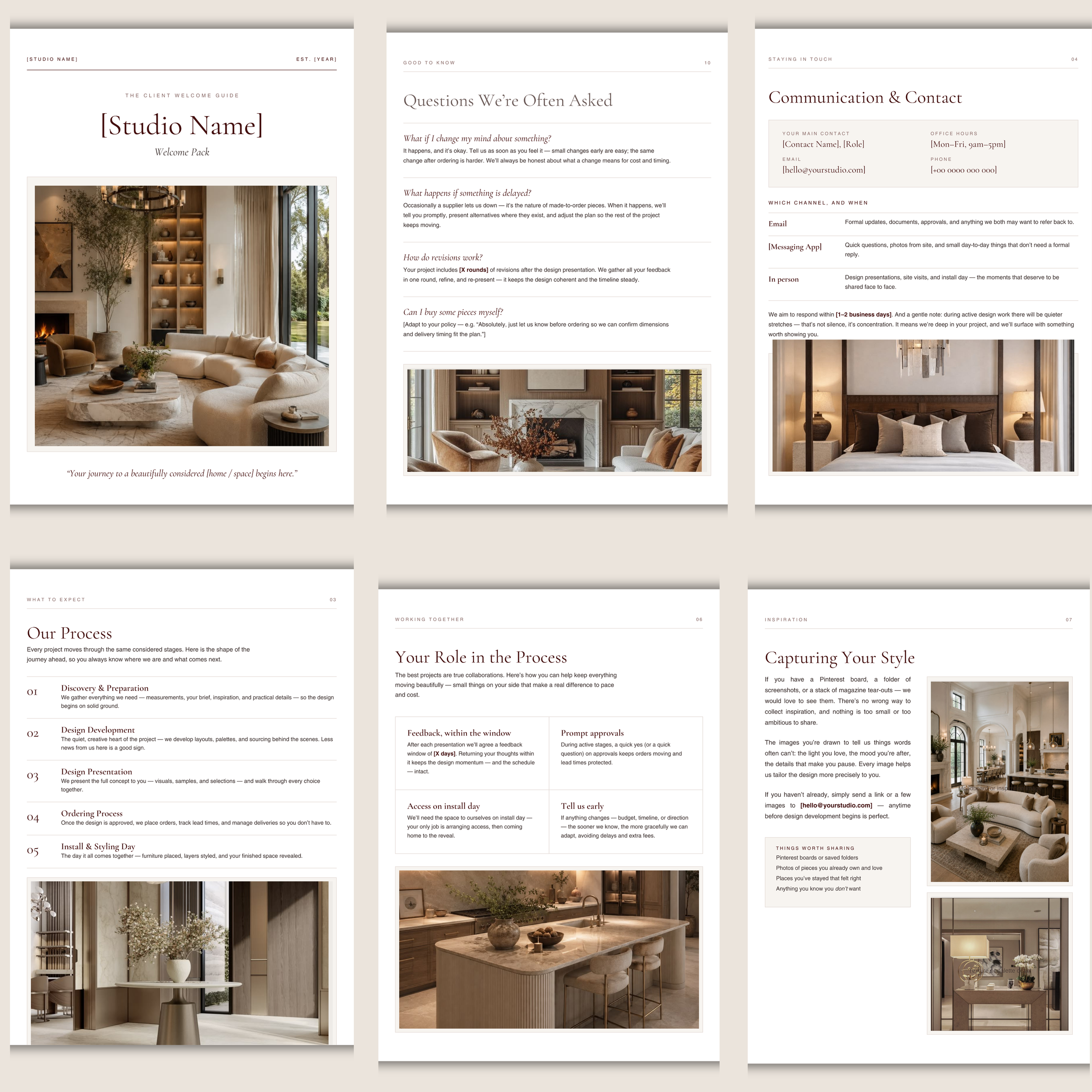 Image 6 of 7
 Image 7 of 7
Before You Purchase
-
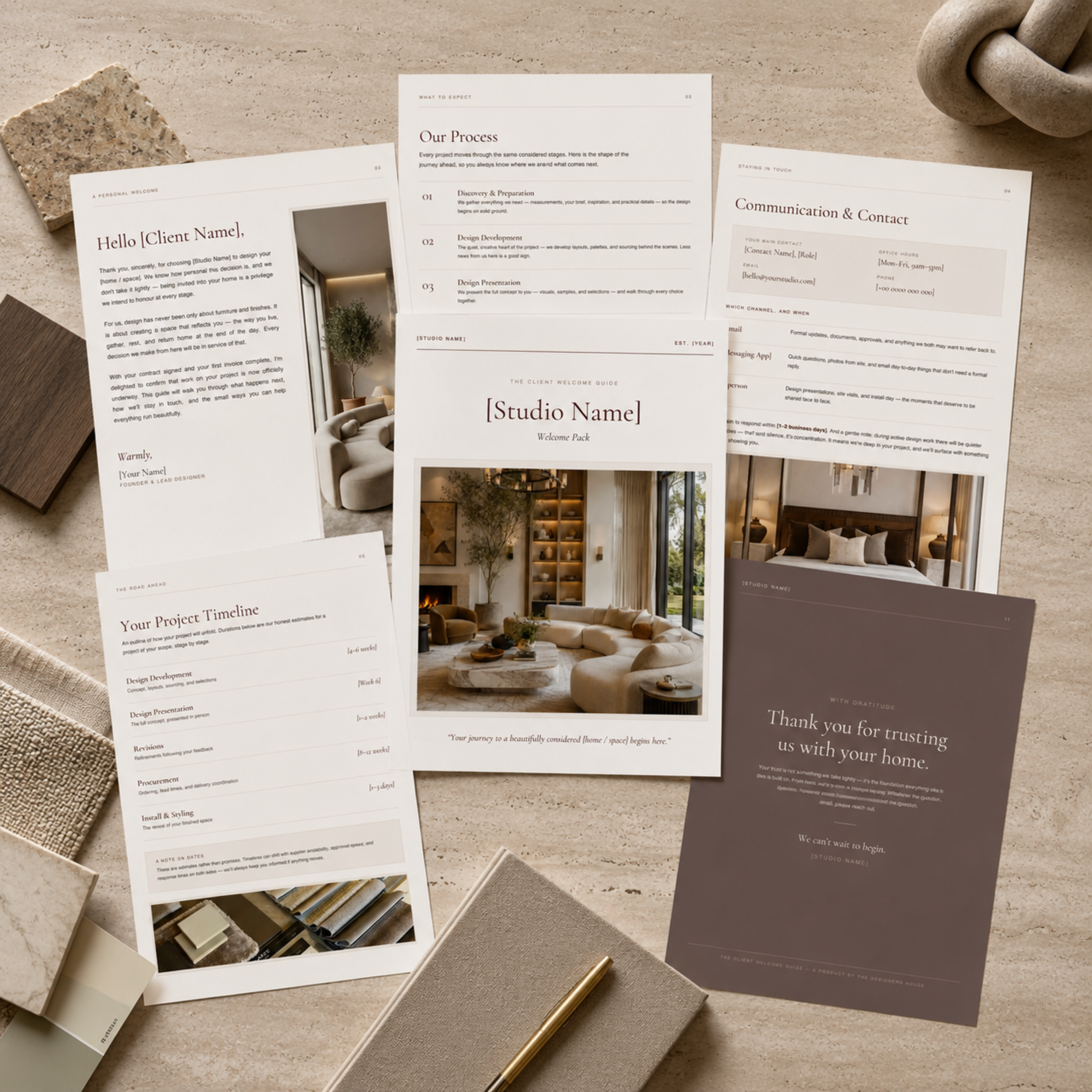
The editable 11-page template includes:
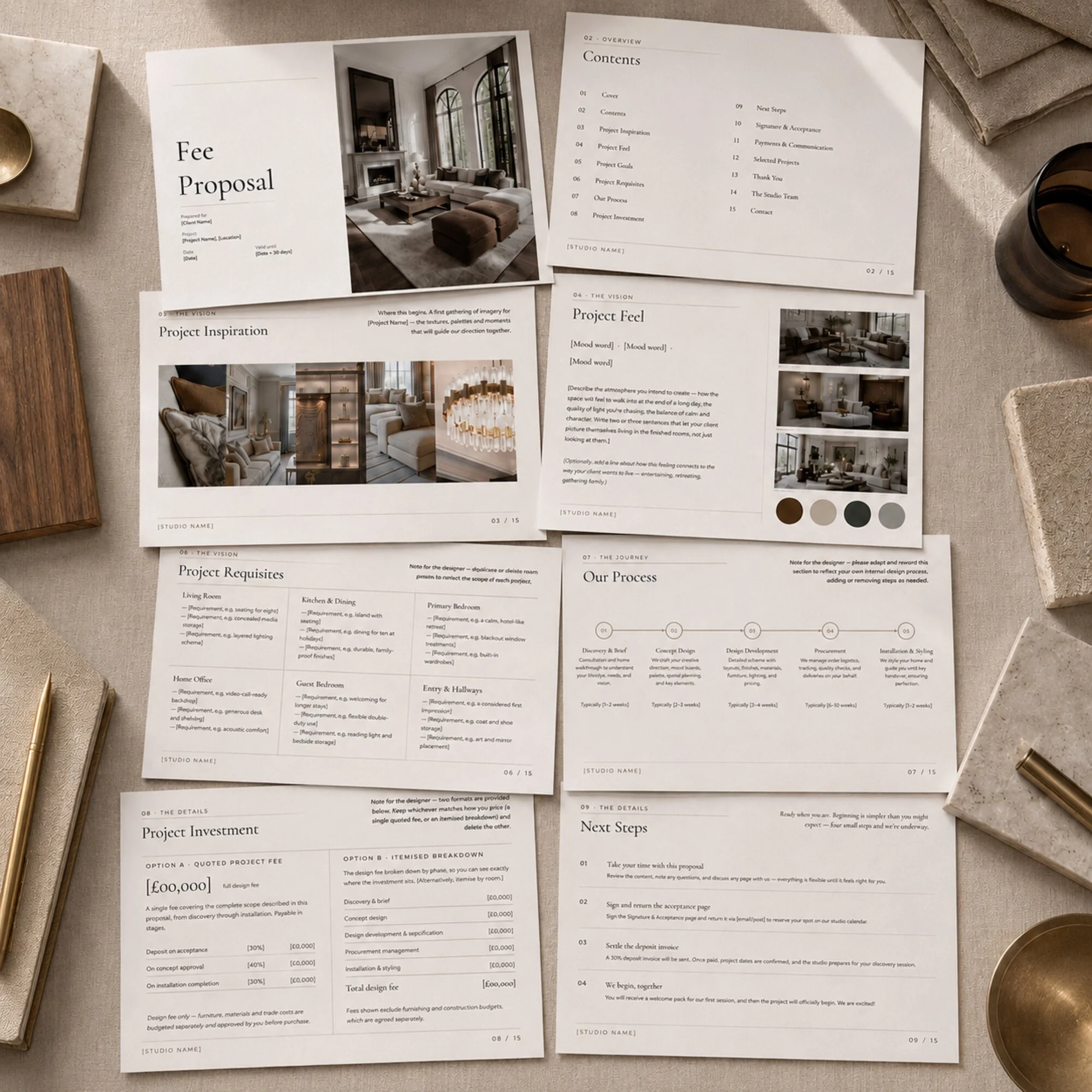
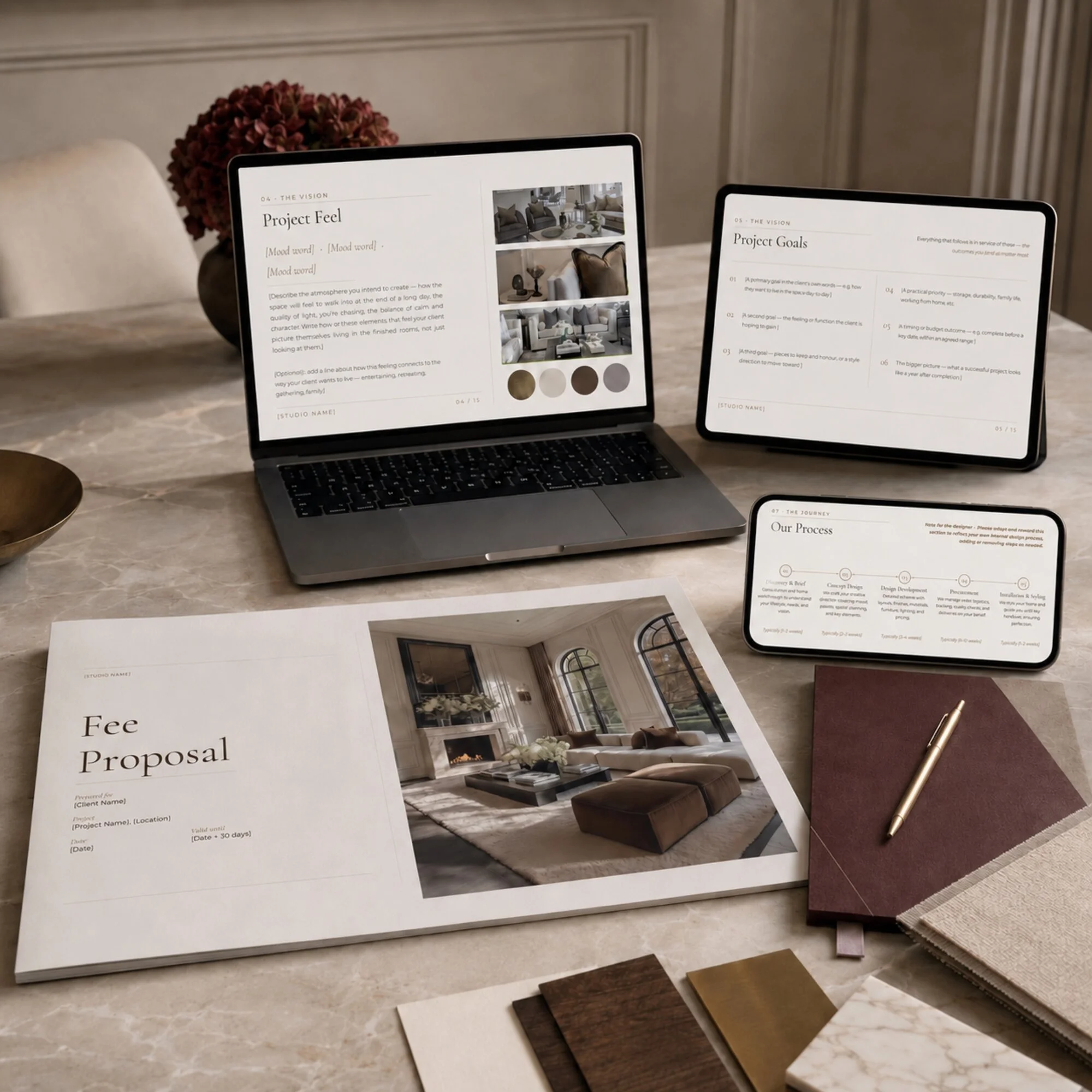
Cover Page — Introduce your studio and create a polished first impression using your own branding and project imagery.
A Personal Welcome — Thank your client for choosing your studio, confirm that their project is officially underway and introduce what the guide will cover.
What to Expect — Explain the stages of your design process so your client understands how the project will progress and what happens next.
Communication & Contact — Set out the main point of contact, office hours, response times and the best communication channel for different types of updates.
Your Project Timeline — Present the estimated stages and durations of the project, with clear wording explaining that dates may change due to approvals, supplier availability and lead times.
Your Role in the Process — Explain how timely feedback, prompt approvals, site access and early communication help protect the schedule and budget.
Capturing Your Style — Encourage clients to share Pinterest boards, screenshots, meaningful pieces and other visual references that help communicate their preferences.
Additional Services — Introduce optional studio services that clients may wish to add as the project develops.
Payment & Invoicing — Give clients a clear and reassuring overview of design-fee payments, furnishing invoices and payment timings.
Frequently Asked Questions — Answer common early-stage questions about changes, delays, revisions and client-purchased items.
Thank You — End the guide with a warm closing message that reinforces your client’s trust and excitement for the project ahead.
The template is written as a client-facing welcome pack, but every placeholder, policy, timeline and process should be updated before it is sent.
-
You will receive:
• access to the complete 11-page editable Client Welcome Guide Canva template, including all pages shown in the product images;
• The Client Welcome Guide Access and Usage Guide, containing the link to open the Canva template;
• step-by-step guidance on saving and maintaining your own master copy;
• instructions for replacing the placeholder studio, client and contact information;
• guidance on adapting the process, timeline, communication expectations and optional services to reflect how your studio genuinely works;
• advice on updating the colours, typography and imagery to match your own branding;
• a final checklist to complete before sending the welcome pack to your first client.The accompanying guide also explains how to proofread the template, test the finished document from the client’s perspective and review it whenever your studio process changes.
This is a digital product. No physical or printed item will be posted.
-
You will need a Canva account, an internet connection and a computer or tablet capable of accessing Canva.
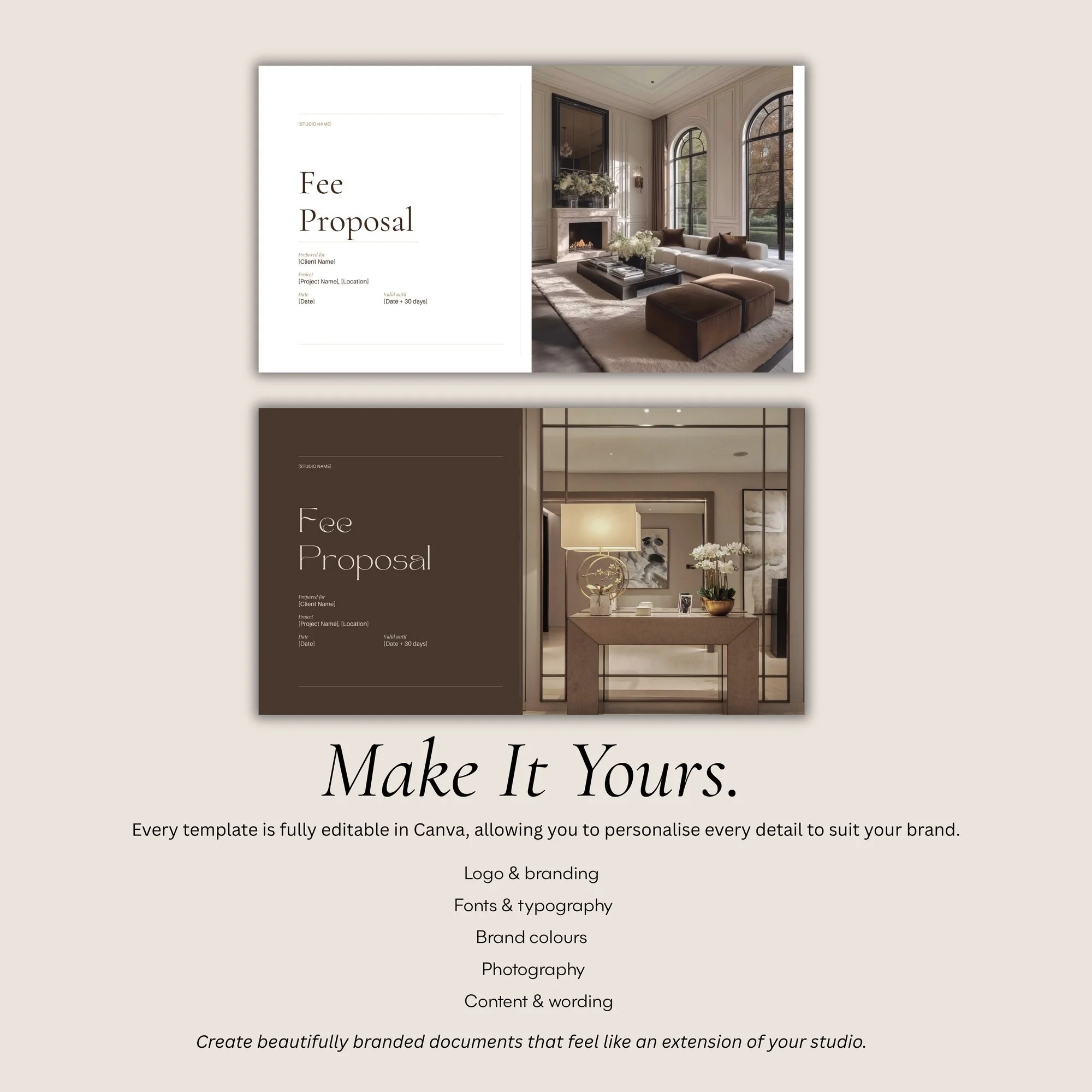
The template can be personalised with your:
• studio name, logo and founding year;
• brand colours and typography;
• studio, project and portfolio imagery;
• client name and project details;
• design process and number of stages;
• estimated project timeline;
• main contact, office hours and response times;
• preferred communication channels;
• feedback and revision arrangements;
• payment and invoicing process;
• additional services;
• frequently asked questions and studio policies.Every page contains editable wording and clearly marked placeholders. Replace all bracketed information before sending the guide to a client.
The suggested copy is there to give you a professional starting point, but it should be adapted so that it accurately reflects your own process, availability, payment arrangements and service terms.
-
After completing your purchase, you will receive a downloadable guide containing the link to open the Client Welcome Guide template in Canva.
Open the link and save a copy to your Canva account. Keep one clean, untouched version as your master template, then create a duplicate for each new client.
Before sending it:
Replace every bracketed placeholder.
Add your own branding and imagery.
Adapt the process and timeline to match the client’s project.
Review the communication, payment and revision information.
Remove any page that is not relevant to your services.
Proofread the finished guide and send yourself a test copy.
Export it as a PDF and deliver it using your usual email or client-management system.
Do not send clients the editable Canva template link.
The welcome guide is intended to be sent after the contract has been signed and the first payment has been completed, when the client is ready to understand what happens next.
-
Your purchase includes a licence to personalise and use The Client Welcome Guide within your own interior design business.
You may create completed welcome packs for your own clients and projects. However, the editable template, Canva link, accompanying guide and original contents must not be:
• resold or redistributed;
• shared with another designer, studio or business;
• uploaded to a shared template or resource library;
• copied to create a competing digital product;
• altered and sold as your own original template;
• supplied to clients as an editable product for resale.Each individual designer or business using the template must purchase their own licence.
-
Please review the product description, product images and Canva requirements carefully before purchasing.
As this is a digital product, full information about access, cancellations and refunds is set out in The Designers House Digital Product Terms and Refund Policy.
The template provides general client-communication wording and does not replace a professionally prepared client contract, service agreement or legal advice. Review all wording to ensure it reflects your own business policies and contractual arrangements.