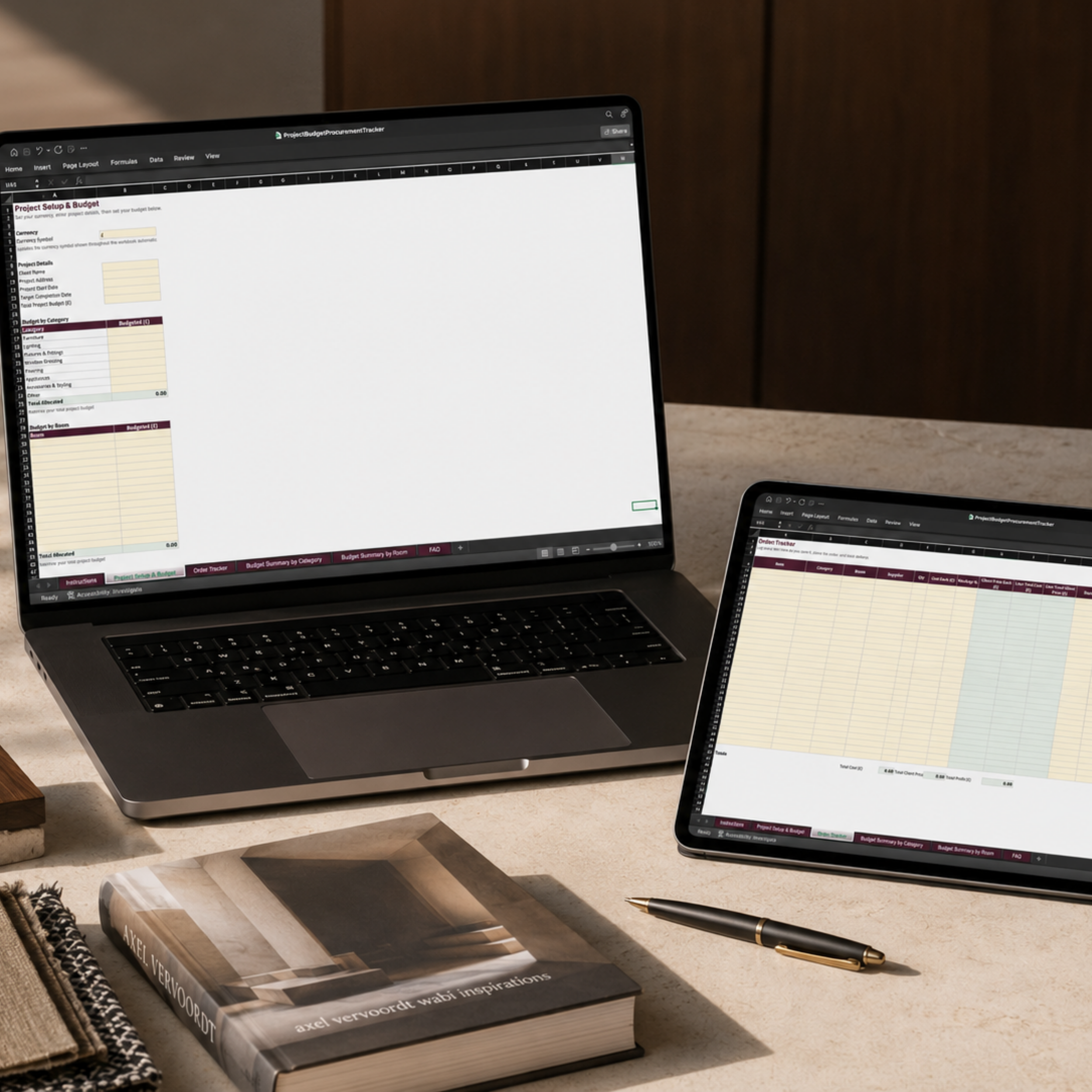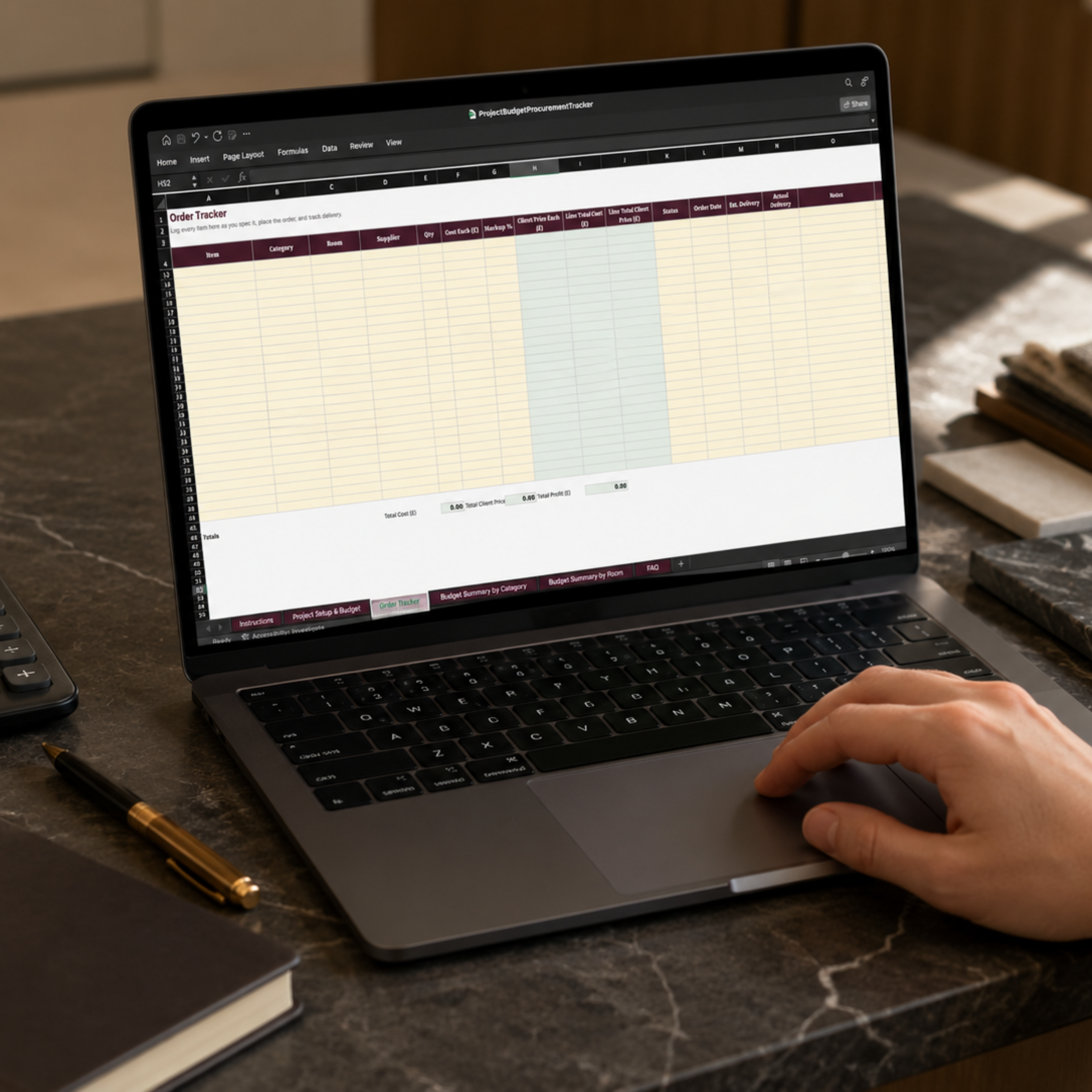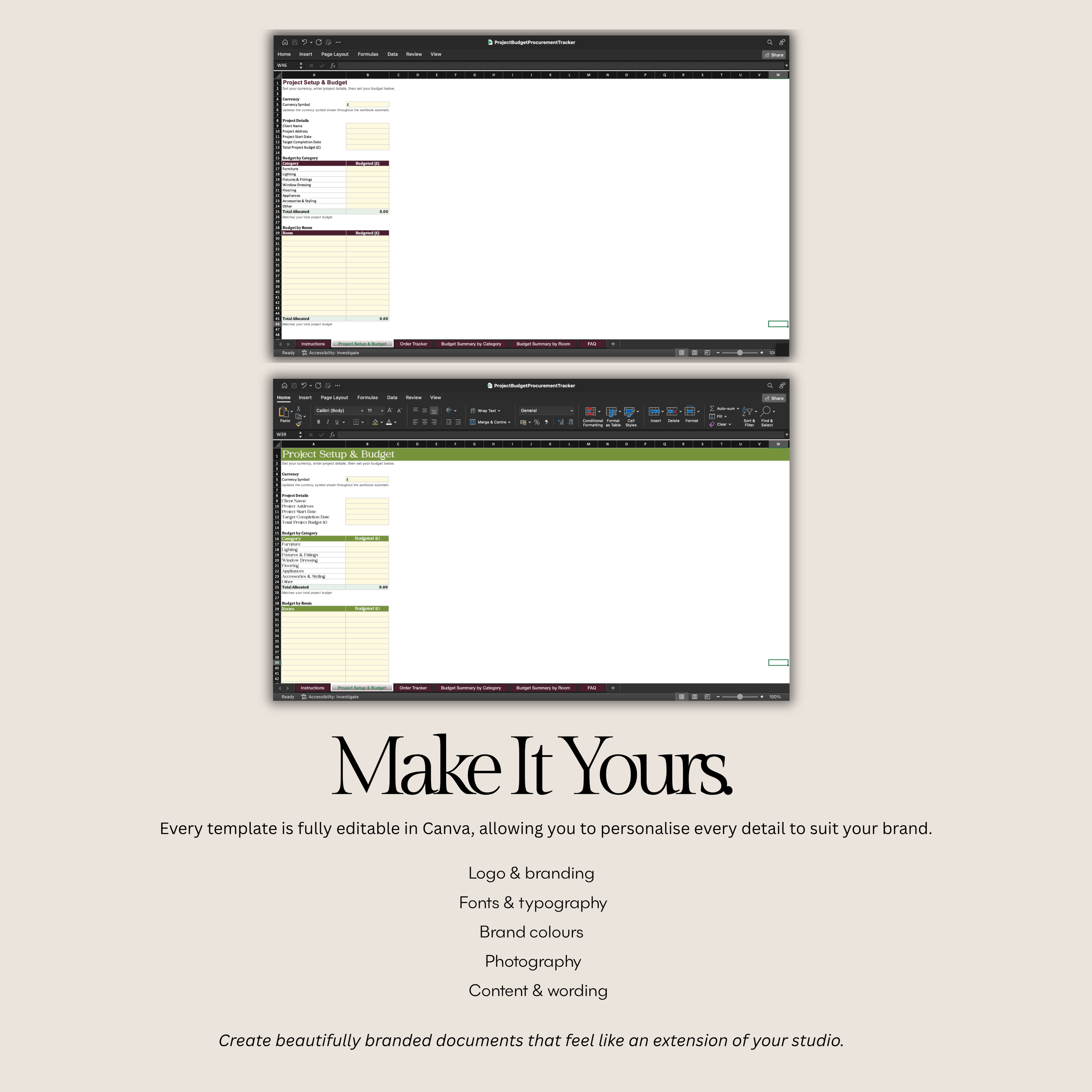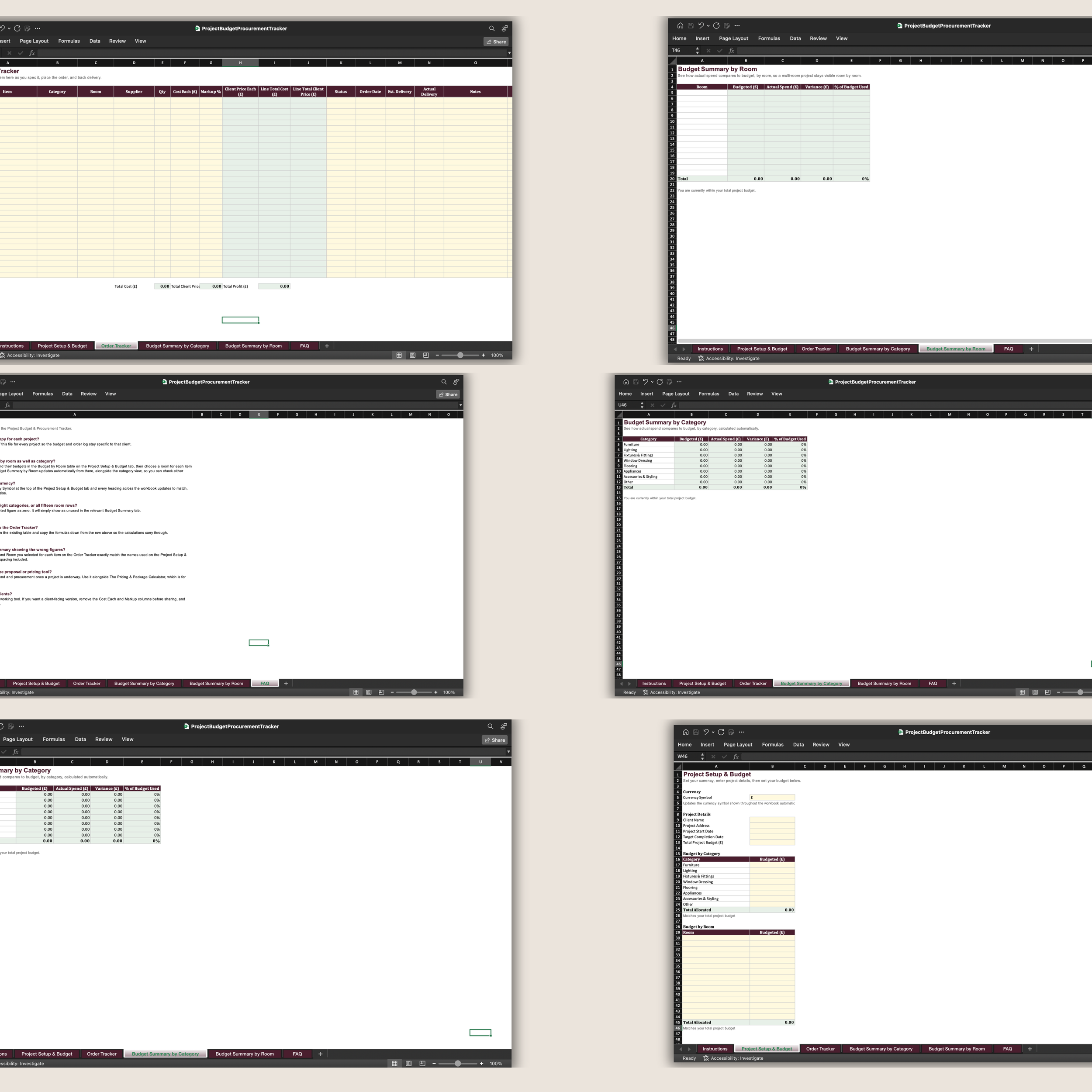
 Image 1 of 8
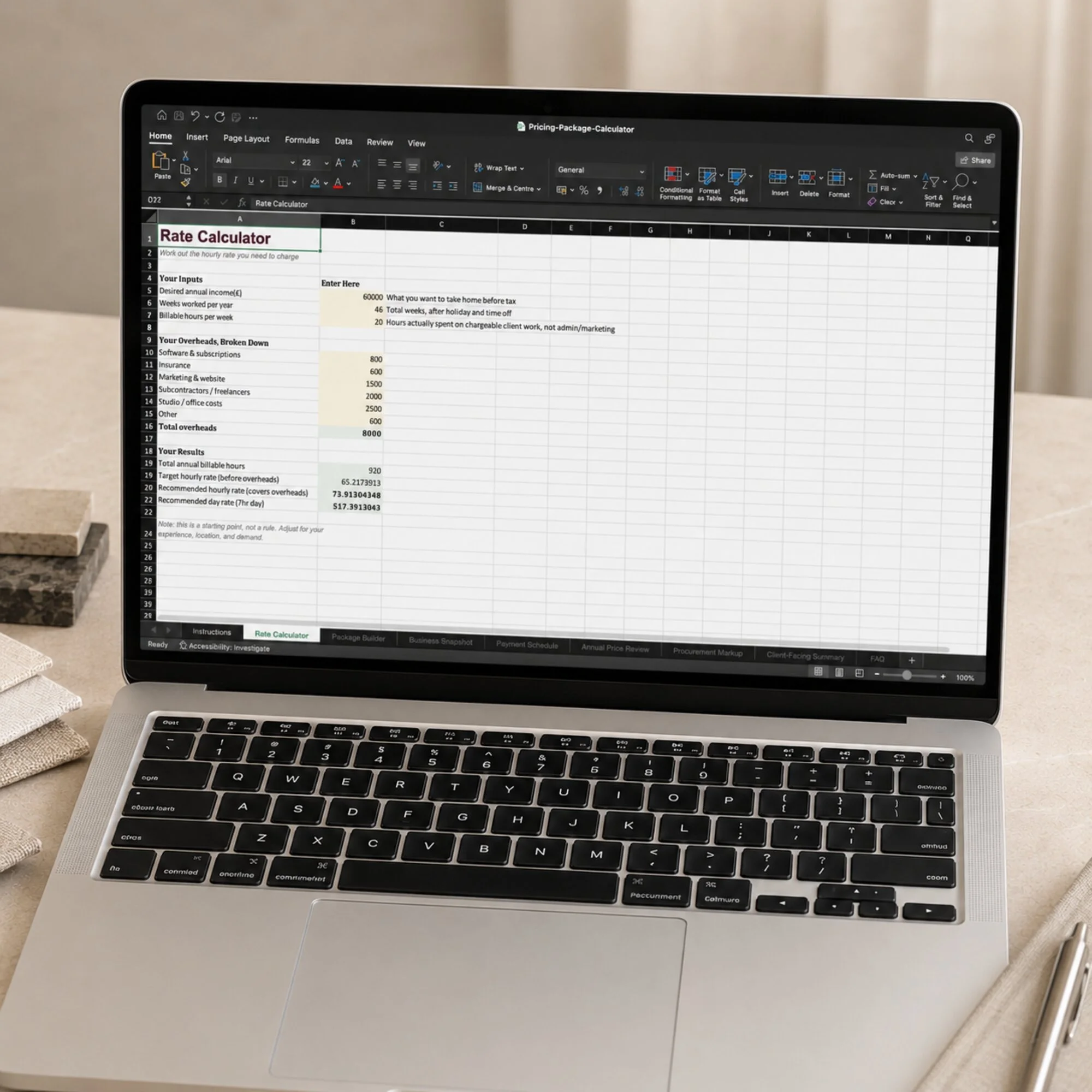 Image 2 of 8
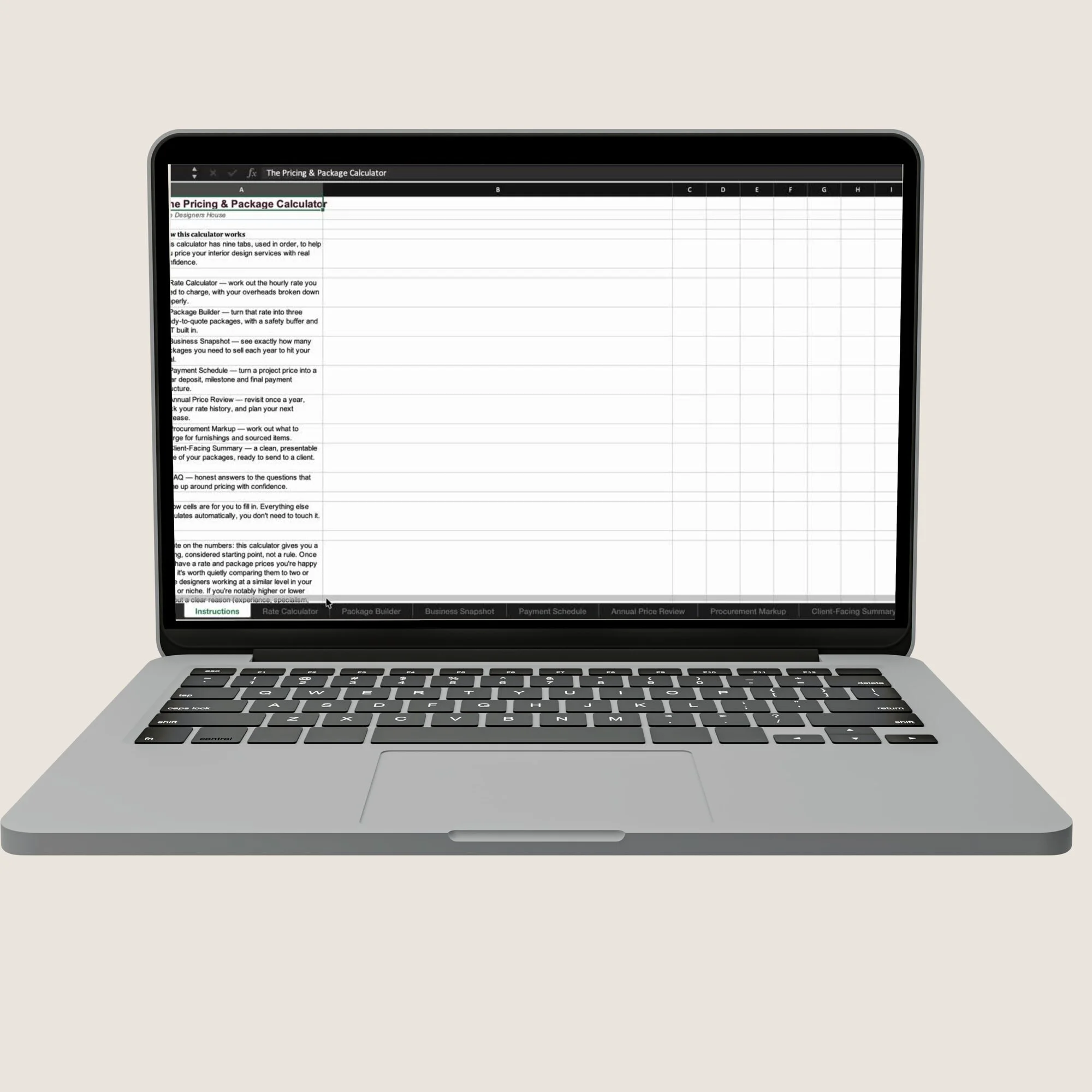 Image 3 of 8
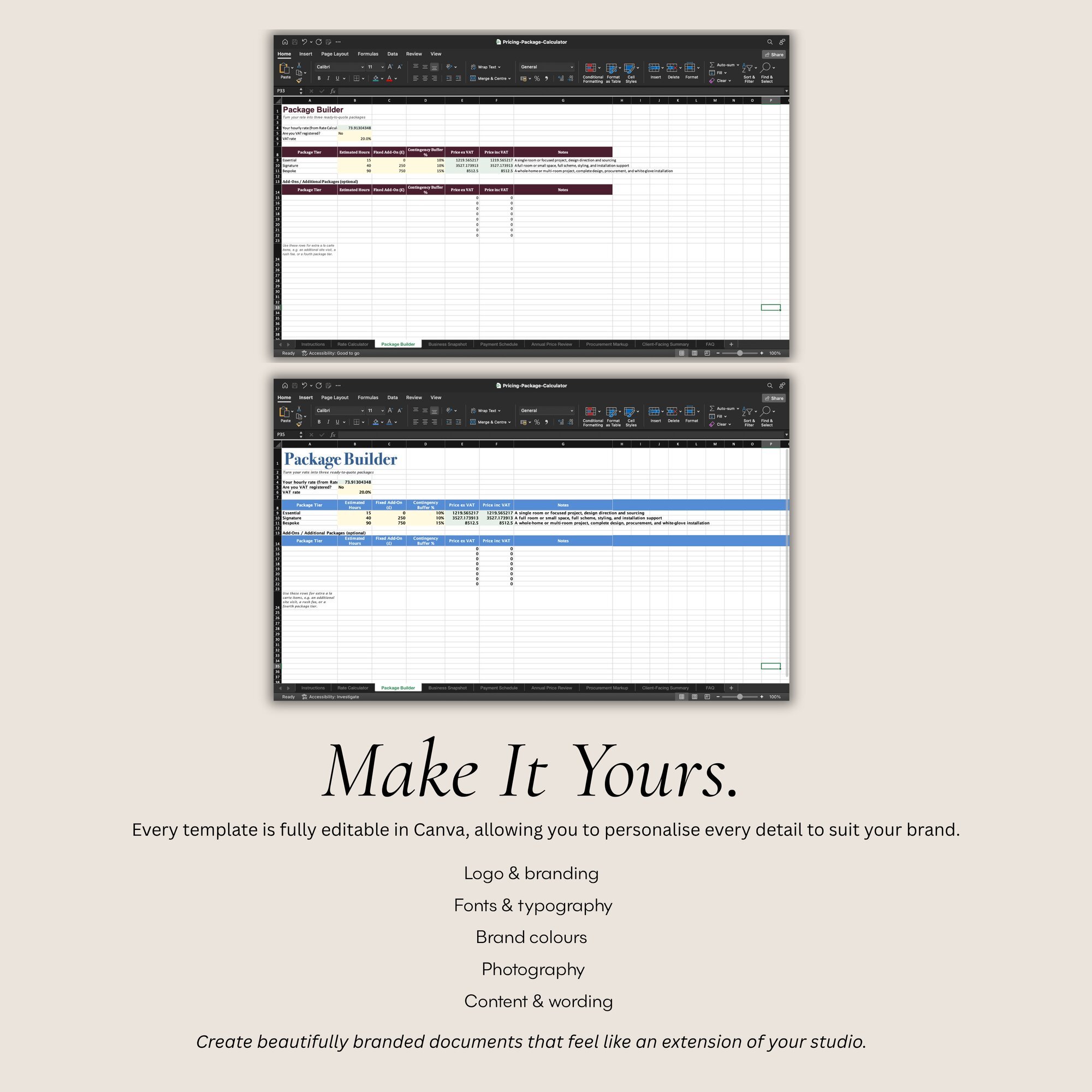 Image 4 of 8
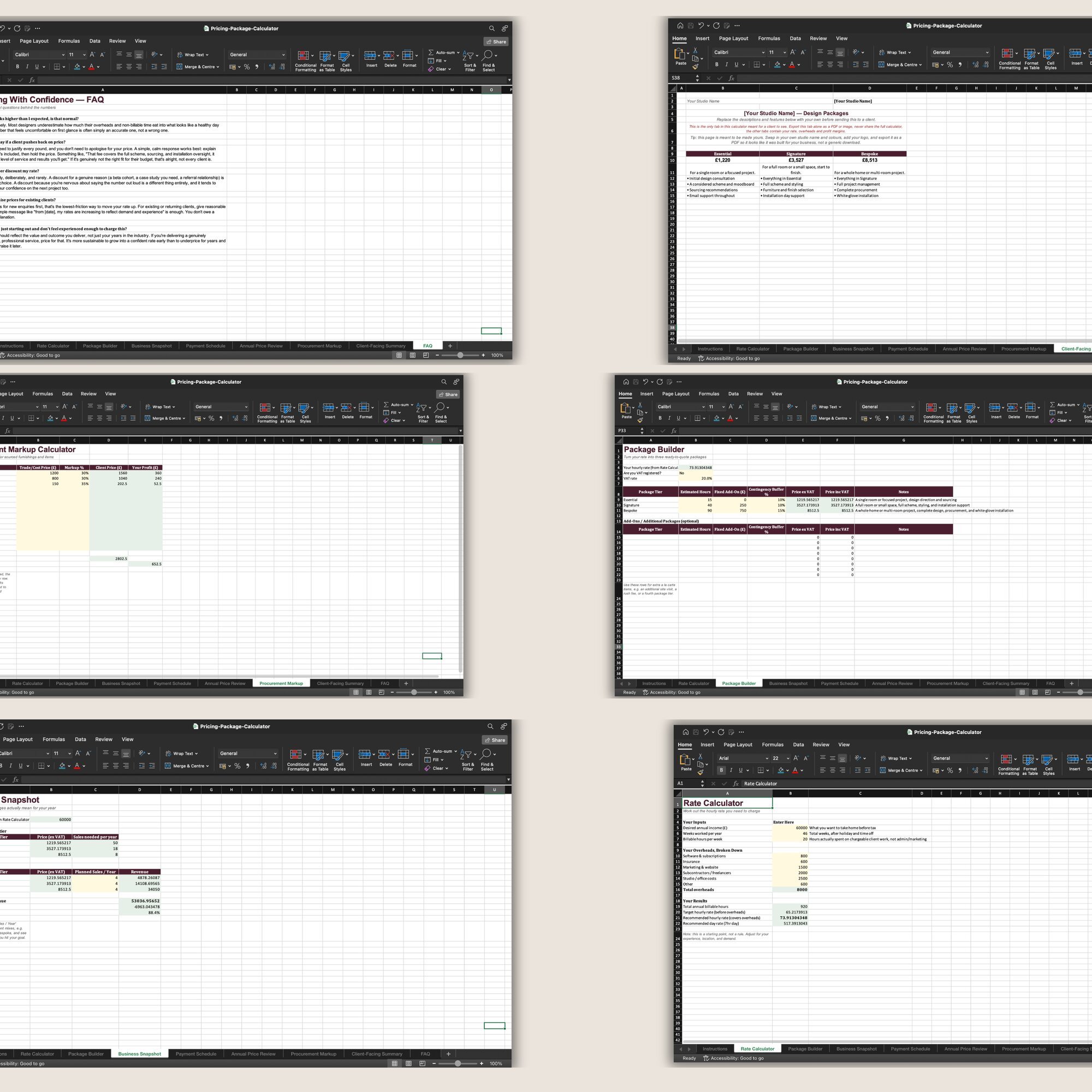 Image 5 of 8
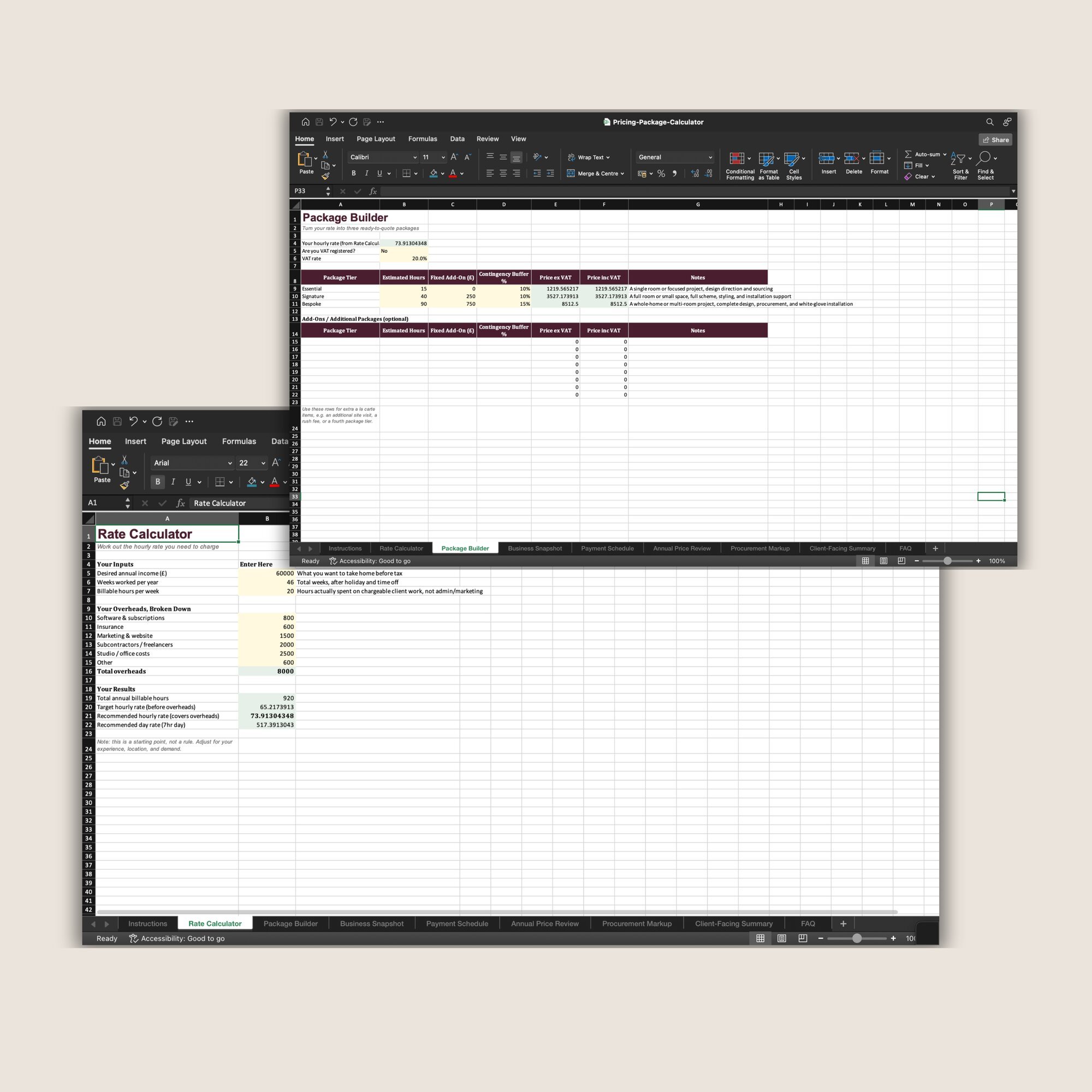 Image 6 of 8
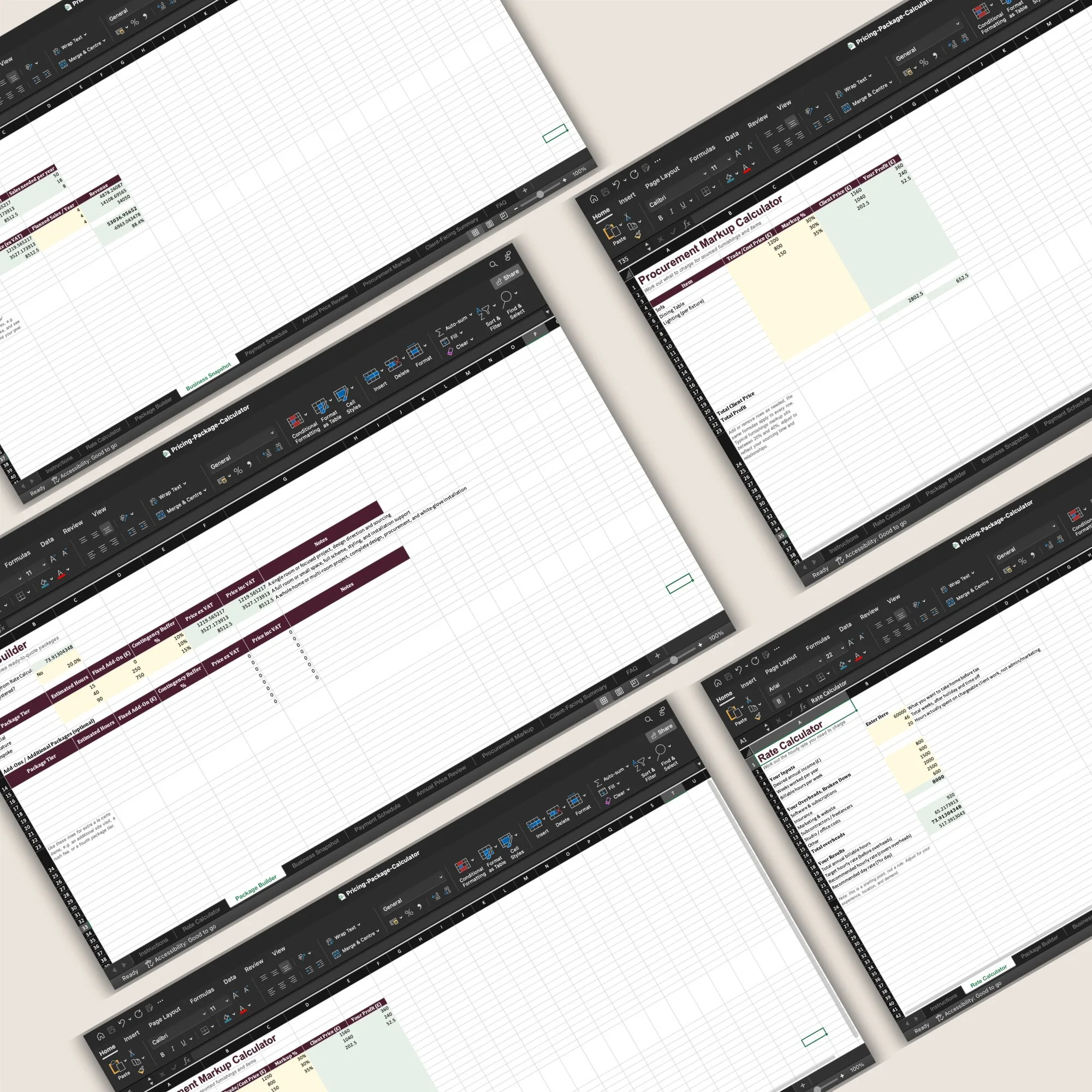 Image 7 of 8
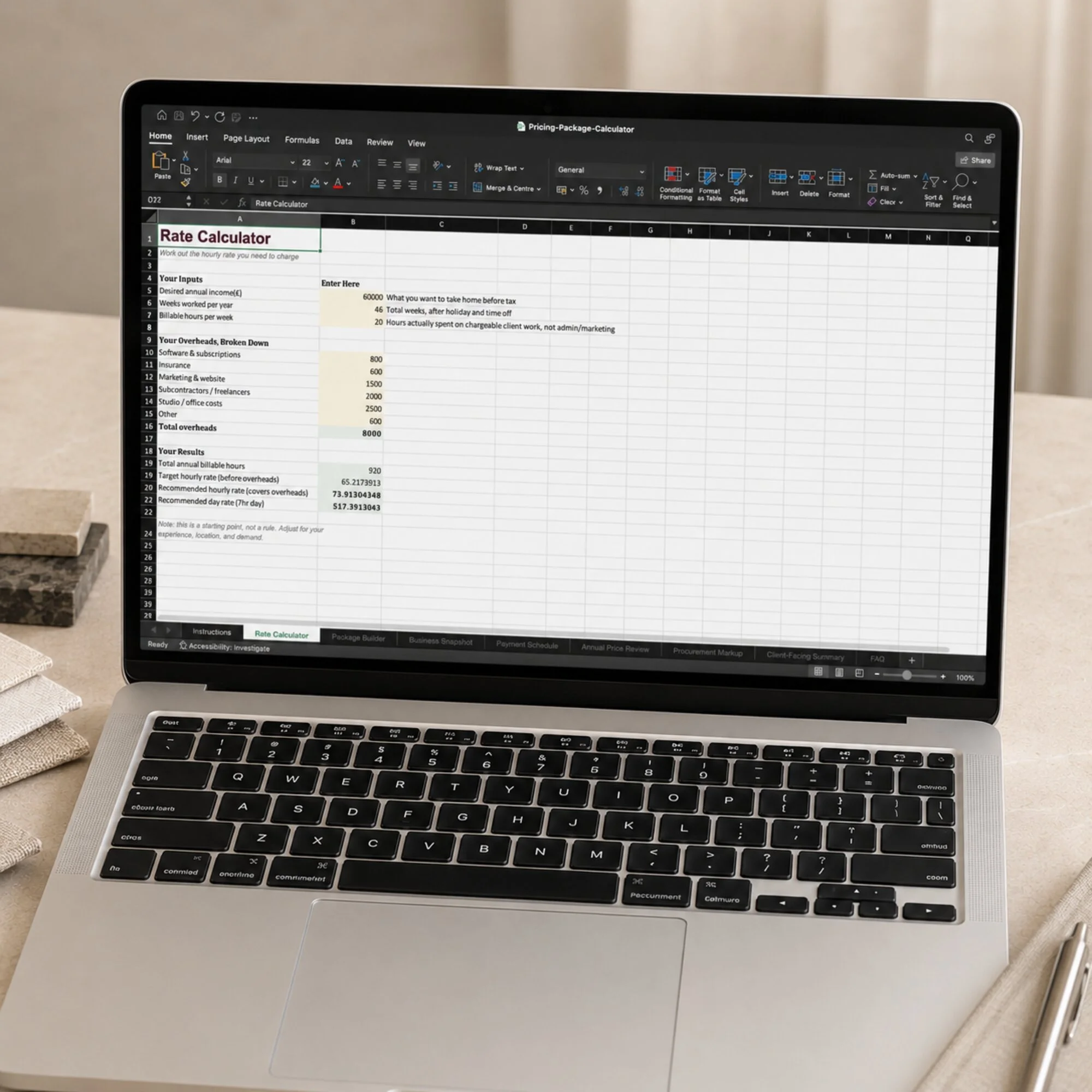 Image 8 of 8
Before You Purchase
-
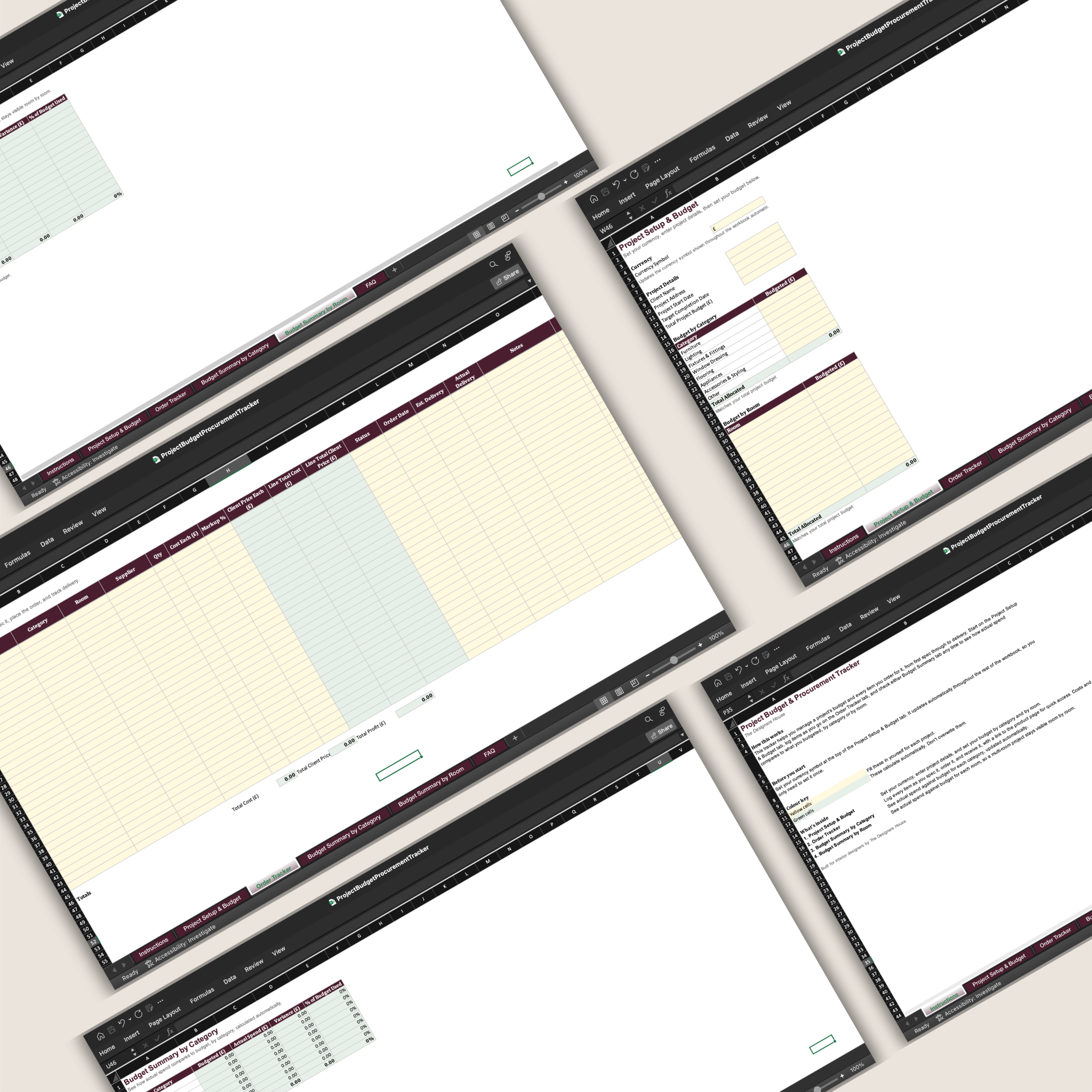
The workbook contains nine connected tabs:
Instructions — Explains how to complete the calculator, which cells to edit and which information should remain private.
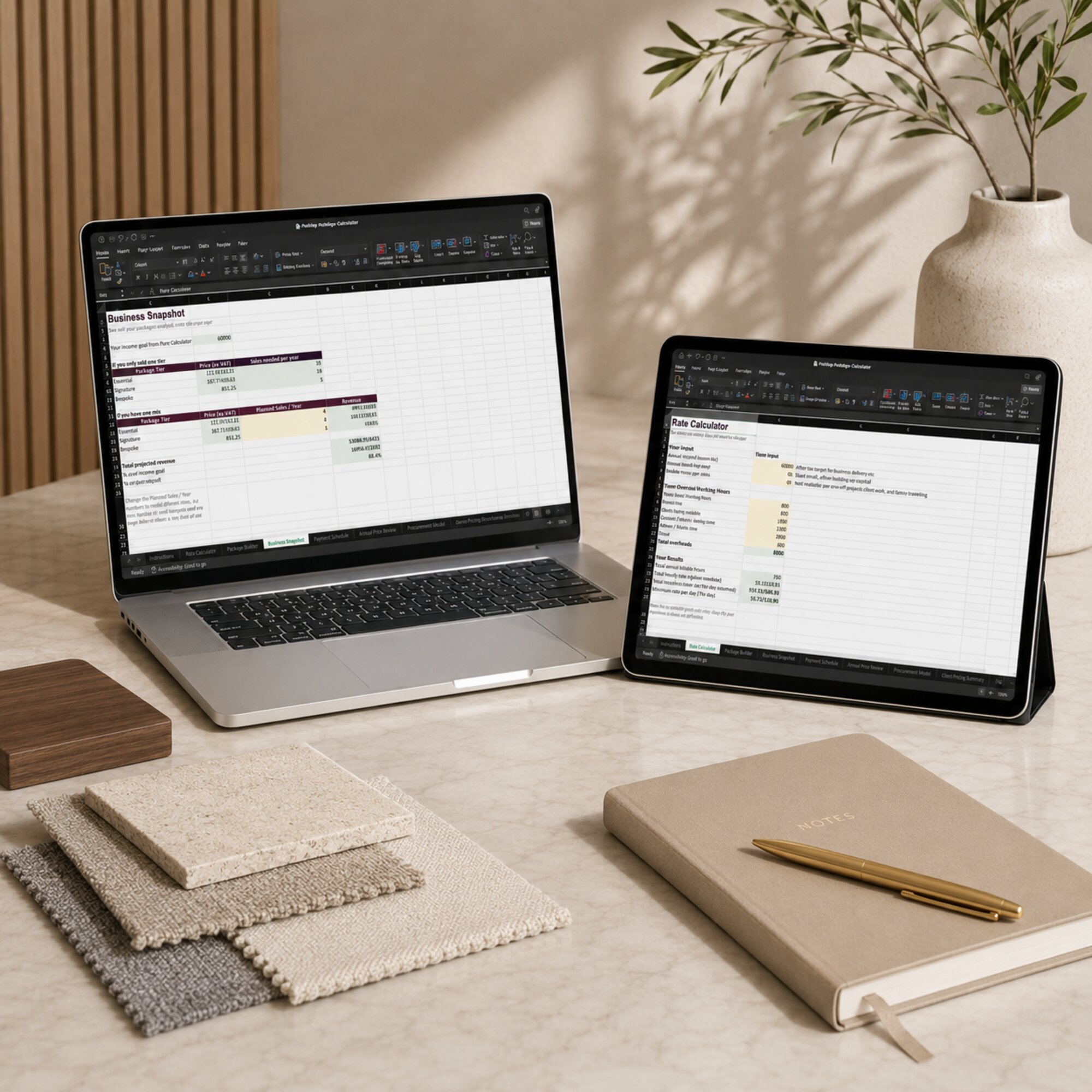
Rate Calculator — Uses your desired annual income, working weeks, billable hours and overheads to calculate your target hourly rate, recommended hourly rate and day rate.
Package Builder — Converts your calculated rate into three service packages using estimated hours, fixed add-ons, contingency and VAT. Additional rows are included for extra packages and standalone services.
Business Snapshot — Shows how many packages you would need to sell to reach your annual goal and allows you to model your own combination of services.
Payment Schedule — Converts a package or custom project price into deposits, milestone payments and a final balance, with an automatic check that the percentages total 100%.
Annual Price Review — Compares your current rate with the calculated rate, models a percentage increase and provides space to record your pricing history.
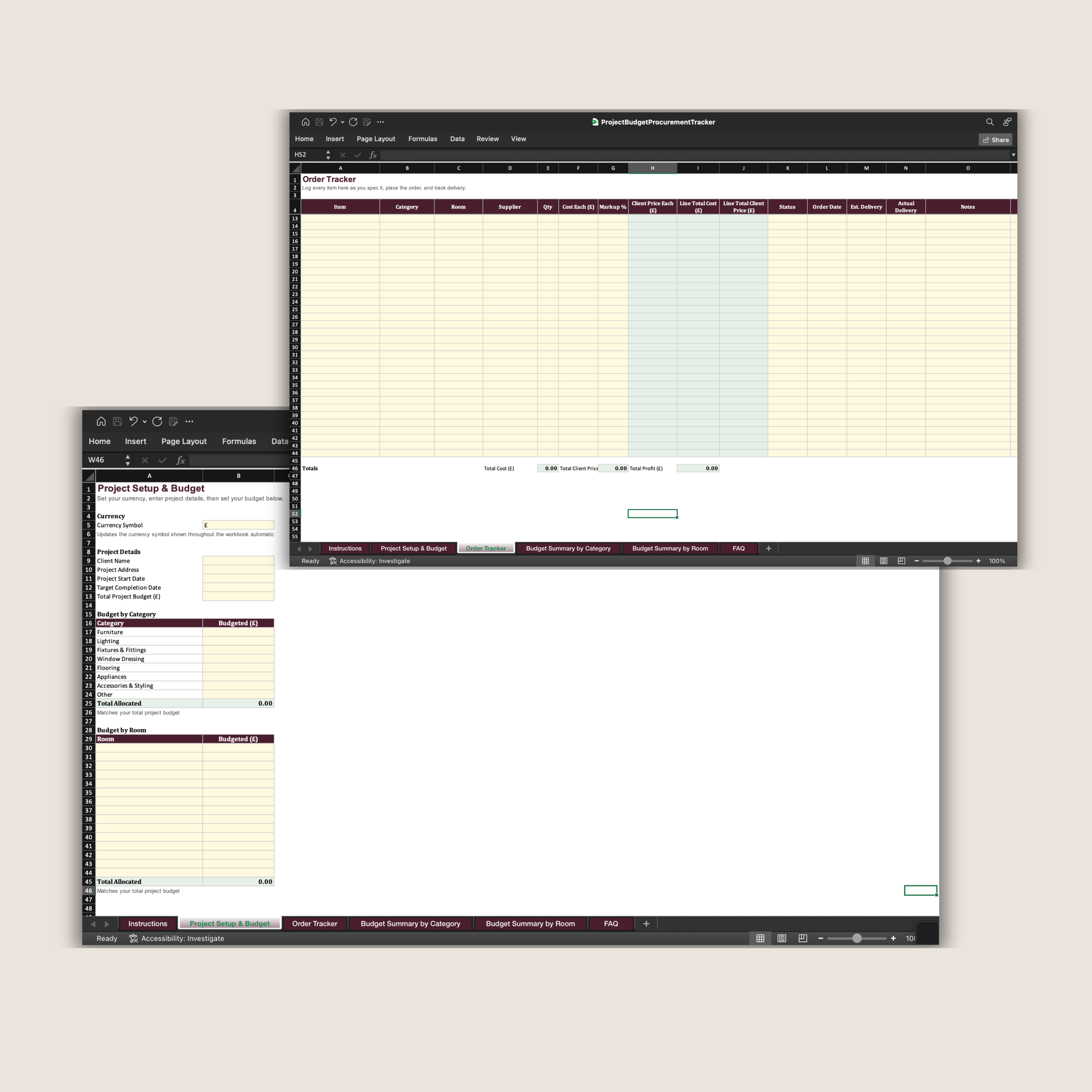
Procurement Markup — Calculates the client price and profit generated from furnishings and sourced items using your chosen markup percentage.
Client-Facing Summary — Presents your three packages, prices, descriptions and features in a clean format that can be personalised and exported for clients.
Pricing FAQ — Provides practical guidance around confidence, client objections, discounting and increasing your prices.
-
You will receive:
the complete Pricing & Package Calculator Microsoft Excel workbook;
nine organised tabs with linked formulas and automatic calculations;
three editable example package tiers with space for additional packages and add-ons;
a payment-schedule generator with adjustable percentages;
a procurement-markup calculator showing both client price and profit;
an editable client-facing package summary;
built-in instructions and a pricing FAQ.
This is a digital product. No physical or printed item will be posted.
-
You will need Microsoft Excel and a computer capable of opening an .xlsx workbook.
The calculator uses a simple colour system:
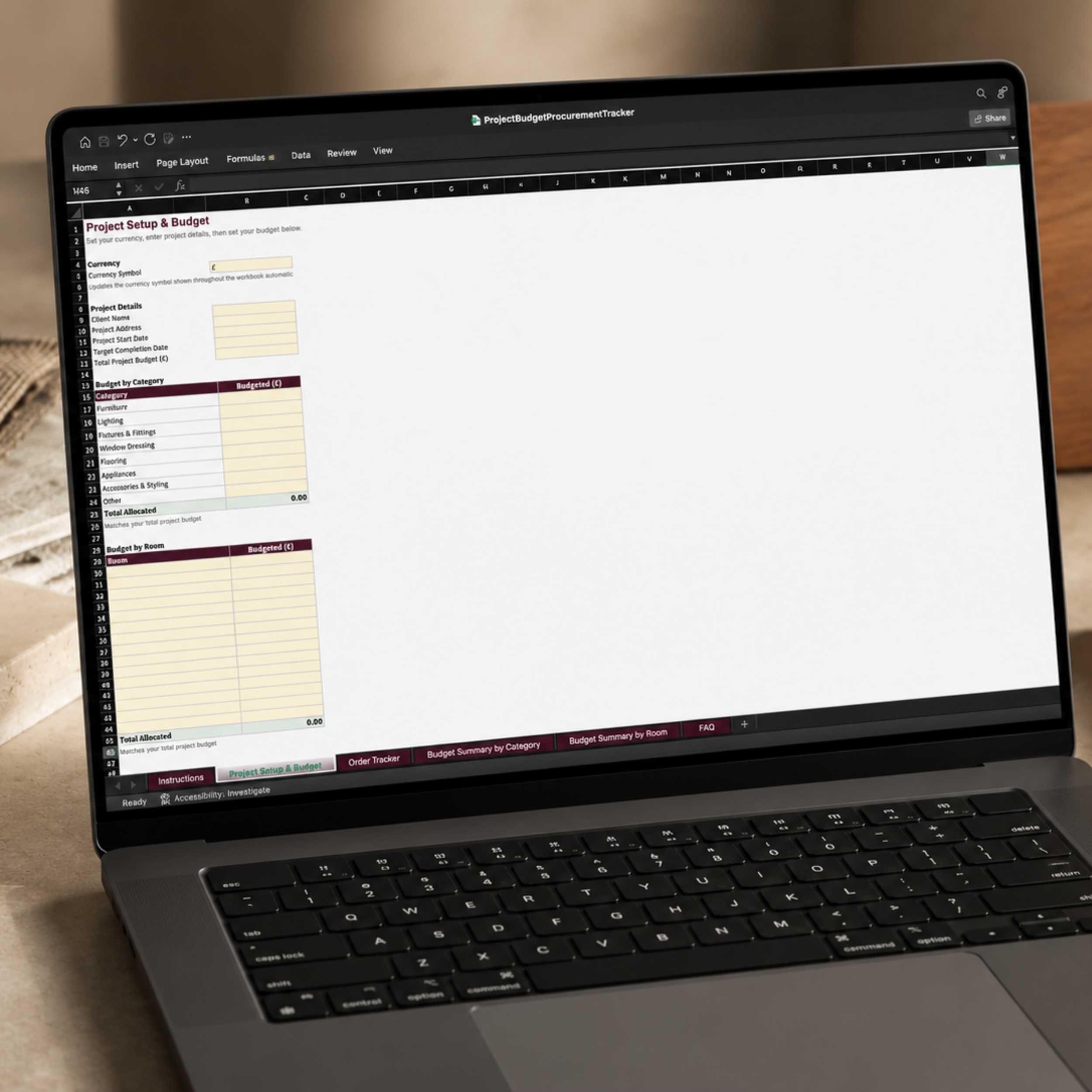
Yellow cells are the cells for you to complete or edit.
Green cells display the results calculated automatically.
You can personalise:
your desired income and working capacity;
annual business overheads;
VAT registration and VAT rate;
package names, estimated hours, add-ons and contingency;
package descriptions and features;
planned annual sales;
deposits and milestone percentages;
procurement markup percentages;
studio name and client-facing package information.
Avoid overwriting cells containing formulas, as this may prevent parts of the workbook from calculating correctly.
For the most reliable formatting and formula performance, use Microsoft Excel. Compatibility with other spreadsheet applications cannot be guaranteed.
-
After completing your purchase, you will receive a secure link to download the Excel workbook.
Save the original file somewhere secure and create a duplicate before entering your own information. Begin with the Instructions tab and work through the calculator in order, as information entered earlier feeds into the later tabs.
Only the Client-Facing Summary is intended to be exported or shown to clients. The remaining tabs contain private business information, including your overheads, internal rate calculations and profit margins, and should not be shared.
The Client-Facing Summary can be personalised with your studio details and exported from Excel as a PDF for client use.
The calculator is a planning tool designed to support your own commercial decisions. It does not replace advice from an accountant, tax adviser or other qualified professional.
-
Your purchase includes a licence to use The Pricing & Package Calculator within your own interior design business.
You may use the calculations, package prices and exported client-facing summary within your own studio. However, the original workbook, formulas and contents must not be:
resold or redistributed;
shared with another designer, studio or business;
uploaded to a shared resource library;
copied to create a competing calculator or product;
altered and sold as your own original spreadsheet;
supplied to clients or other businesses as an editable workbook.
Each designer or business using the calculator must purchase their own licence.
-
Please review the product description, images and Microsoft Excel requirements carefully before purchasing.
As this is a digital product, full information about access, cancellations and refunds is set out in The Designers House Digital Product Terms and Refund Policy.